
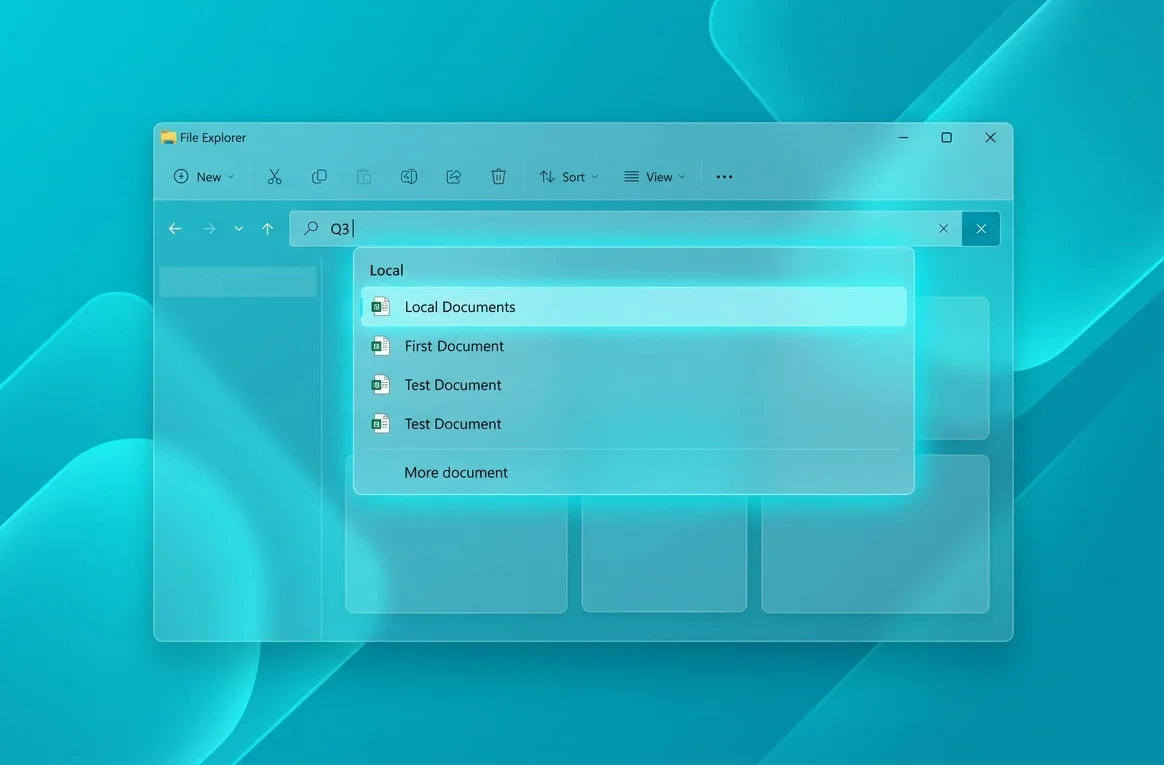
The Problem Users Faced for Years
The built-in search engine of the Windows operating system has long been subject to serious criticism from power users and system administrators. One of the most illogical and annoying features of the user interface was the restriction on the number of characters required to search for local files. If a user tried to find a document or a utility by entering only two characters, the system refused to display relevant results from the hard drive or solid-state drive. Instead, the operating system either displayed an empty window or automatically redirected the request to the global Internet, suggesting to use Bing search algorithms or the integrated artificial intelligence assistant Copilot.
This behavior significantly reduced productivity, especially in the corporate sector, where abbreviations, short project names, and document indexes often consist of two signs. Users had to enter additional characters or use third-party indexing tools, which negated the utility of Microsoft integrated tools. The problem was rooted in the outdated architecture of the indexer, which was configured to minimize the load on the central processing unit by ignoring overly short search phrases in local directories.
The Essence of Technical Changes in the June 2026 Update
As part of the scheduled June release of cumulative updates, known as Patch Tuesday, Microsoft rolled out a major fix for the Windows Search subsystem. The update, shipped under number KB5094126 for stable builds of Windows 11 versions 23H2 and 24H2, completely removes the three-character limit. Now the algorithm starts a full scan of the indexer database immediately after entering the second character, instantly displaying the found matches in a separate block of local results.
In addition to fixing the character limit, Microsoft engineers reviewed the overall hierarchy of search results display. Previously, priority was often given to web results, which forced users to accidentally open the Edge browser instead of launching a local program or opening a text document. In the current version, local files, application shortcuts, and system settings have the highest priority. Web integration and Copilot blocks are now moved to the bottom of the panel and do not overlap useful information.
Indexing Optimization and Architectural Fixes
To implement search by two characters without losing performance, the developers had to modernize the Windows Search Service (Wsearch). Previously, the indexer created too large match tables for two-digit combinations, which could lead to temporary freezing of File Explorer on weak personal computers. In the June update, a new prefix caching algorithm is applied, which prepares lists of the user most popular files in advance.
This approach allows displaying the first results in fractions of a second, minimizing the number of requests to the SSD or HDD drive. Due to code optimization, the background indexing service consumes 15% less RAM during active scanning of user folders. This is especially noticeable on devices with limited RAM capacity, where running heavy background processes previously caused frame rate drops in applications or games.
Associated Security Fixes of the June Patch
The KB5094126 update is not limited only to changes in the search interface. Traditionally for June Patch Tuesday, Microsoft addressed serious vulnerabilities in the operating system kernel and network protocols. In total, more than 50 critical security holes were closed, some of which allowed attackers to execute arbitrary code with elevated administrator privileges. Special attention was paid to the security of the Windows Subsystem for Linux (Wsl) and Windows Hello authentication components.
The update also fixes compatibility bugs with modern graphics cards that support local deployment of artificial intelligence models. For the correct operation of the new Recall tools and other functions of Windows Copilot+ PC, memory allocation is now strictly monitored: the system requires at least 16 GB of total RAM and a dedicated neural processing unit (Npu) with a performance of at least 40 TOPS. The June update stabilizes resource allocation between integrated AI features and classic Win32 tasks.
How to Verify Installation and Configure Search
In most cases, the cumulative update is installed automatically via the built-in Windows Update center. However, users can speed up this process by going to system settings and launching a manual check for new packages. After completing the installation process, it is mandatory to restart the computer to apply changes to the system kernel and restart the Wsearch service with new configuration files.
If after the update the search by two characters works incorrectly or does not find newly created files, experts recommend performing a complete reindexing of the database. To do this, open the classic Control Panel, find the Indexing Options section, go to advanced settings and click the Rebuild button. The process may take some time depending on the total volume of data and drive speed, but it guarantees stable and fast operation of the updated Windows 11 search algorithm.




0 Comments