
Artificial intelligence steps beyond online calls
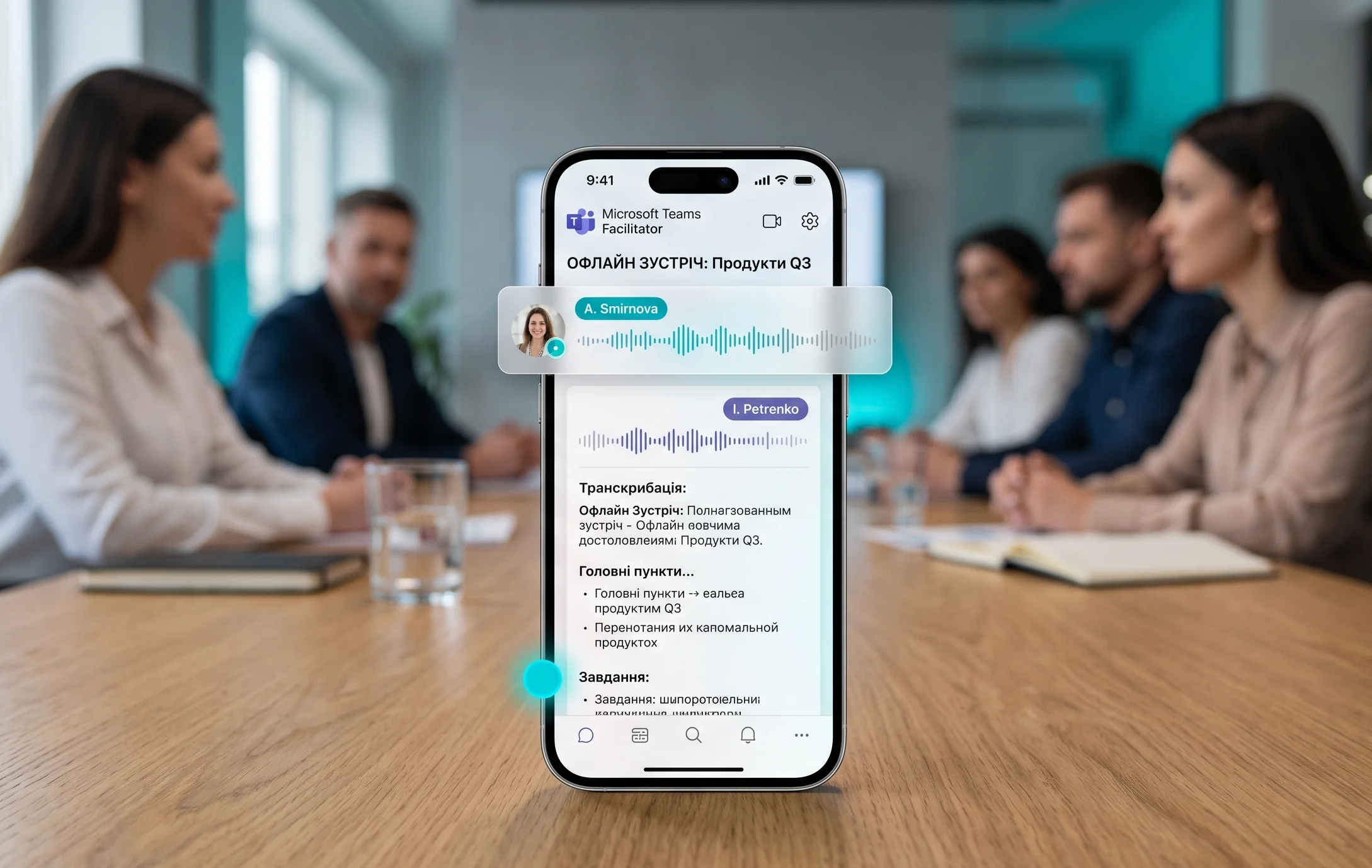
The corporate platform Microsoft Teams is expanding the capabilities of its intelligent note-taking functionality. A new update called Facilitator will integrate artificial intelligence into traditional office meetings held entirely offline. The developers’ primary goal is to automate the routine process of meeting minutes without requiring hybrid video calls.
To activate the system, a meeting organizer simply needs to launch the Teams mobile app on a smartphone or tablet and place it in the conference room. AI algorithms will automatically recognize the voices of present colleagues, separate speakers, and generate structured summaries and task lists. This allows the team to focus entirely on the discussion without being distracted by manual note-taking.
How voice recognition technology works
At the core of Facilitator are advanced natural language processing and acoustic analysis models. The system pre-trains on user profiles within the Microsoft 365 corporate environment. When an employee speaks, the application compares acoustic characteristics with existing digital voiceprints. This ensures high identification accuracy even in rooms with moderate background noise or echo.
Once the offline meeting concludes, Microsoft cloud servers process the audio recording to build a structured document. This includes full transcription, brief key points, and a list of action items assigned to specific owners with deadlines. The entire processing takes just a few minutes, after which the report appears in the shared team chat.
Ecosystem integration and licensing
The new functionality is not a standalone app but integrates deeply into the existing Microsoft 365 infrastructure. Generated notes automatically sync with task managers like Planner and To Do. If a speaker mentions the need to prepare a report by Friday during the conversation, the AI will automatically create a corresponding task for that user and send an email notification.
Since real-time voice processing requires significant computational power, access to Facilitator will be limited to specific subscription tiers. The feature will become part of premium packages and Microsoft 365 Copilot add-ons. Corporate clients can centrally manage access to this option via the admin center, setting privacy rules for different corporate departments.
Privacy and security of corporate data
Recording live office conversations raises questions regarding trade secrets and employee privacy. Microsoft emphasizes that all audio data is encrypted during transmission and storage on servers. AI algorithms do not use the collected recordings to train public models, and all information remains within the secure digital perimeter of the specific organization.
Additionally, developers provided notification mechanisms. Before starting a recording, the app prompts to send a push notification to all meeting participants informing them that their conversation will be captured by AI. Every employee has the right to opt out of voice recognition, in which case their remarks will be labeled as an anonymous speaker in the final minutes.
Impact on hybrid team productivity
The rollout of Facilitator aims to simplify communication in hybrid work schedules where some team members are in the office and others work remotely. Offline participants can run classic brainstorming sessions near a physical whiteboard, while remote colleagues receive a highly detailed and structured report immediately after the meeting ends. This minimizes information gaps and helps avoid misunderstandings during project execution.
Experts note that automating note generation can reduce meeting times by nearly a quarter. Employees no longer need to spend time logging every point, making live interactions more dynamic and focused on solving business challenges. The rollout of this feature to a wider audience is expected to begin in the coming months.



0 Comments