
A modern laptop is not only a powerful tool but also a device that provides mobility thanks to its battery. However, over time, batteries wear out, losing capacity and battery life. The main cause of this is not only age but also improper use. Understanding how lithium-ion batteries work and what charge levels are optimal for them will significantly extend the life of your laptop battery. This guide will help you understand the intricacies of proper charging and care to ensure your device remains efficient for as long as possible.
Battery Chemistry: Why Extreme Levels Are Dangerous
Lithium-ion batteries operate based on the movement of lithium ions between the anode and cathode. The ideal conditions for this process are medium voltage. When the battery’s charge level drops below 20%, the voltage in the cells decreases, which can lead to instability and irreversible damage. Complete discharge (to 0%) is particularly harmful, as it can lead to loss of capacity and even battery failure. Furthermore, maintaining a charge at 100% creates so-called “voltage stress.” High voltage accelerates chemical reactions that destroy battery cells, thereby accelerating wear. Therefore, it is important to avoid both complete discharge and prolonged holding at full charge.
“Golden” range: optimal charge level
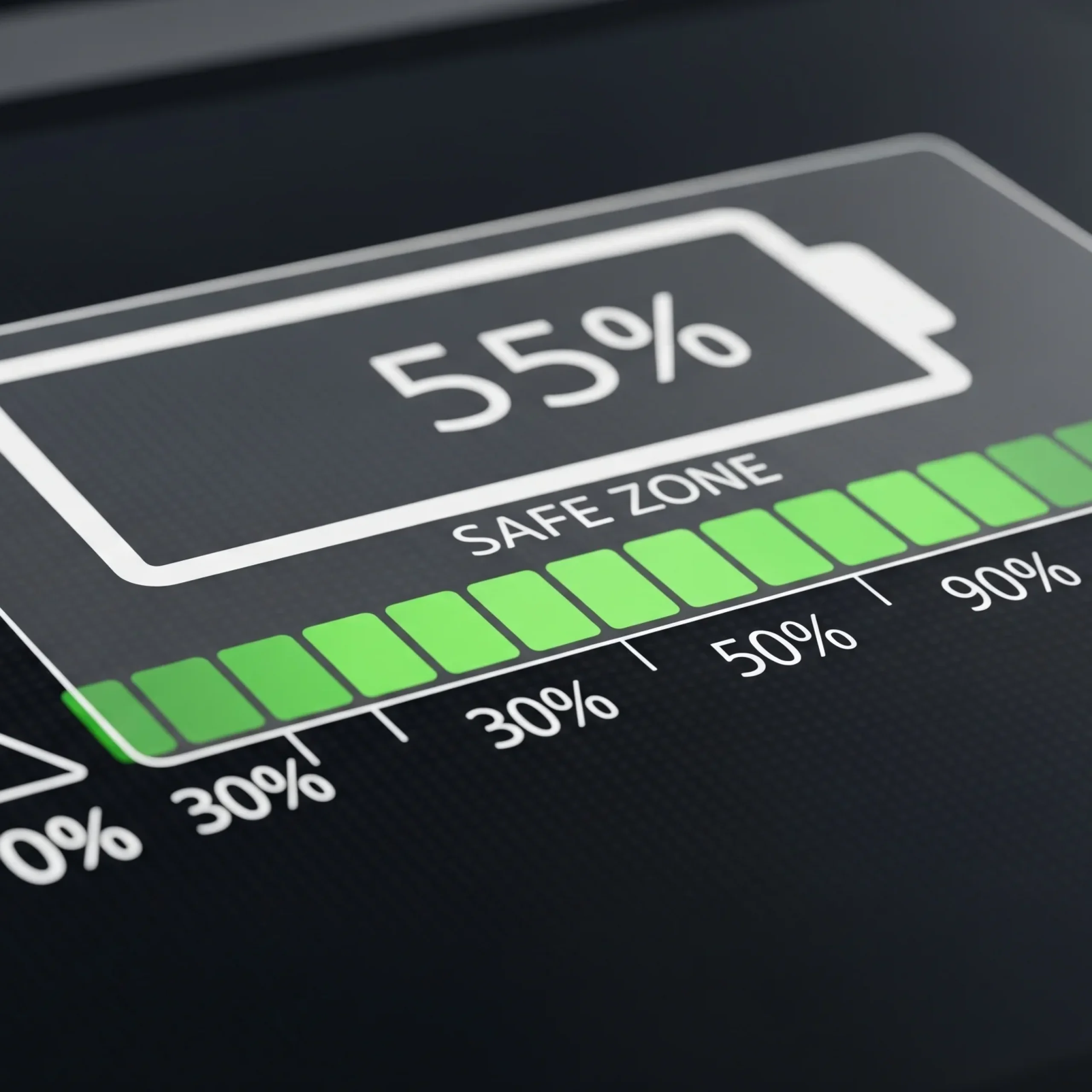
Experts recommend maintaining a laptop battery charge between 30% and 80%. This range is considered the “sweet spot,” as it provides optimal voltage for lithium-ion cells, minimizing wear and tear.
- Avoid complete discharge: Never let the battery charge reach 0%. If this happens, plug in your laptop as soon as possible.
- Charge Limit: Many modern laptops have built-in power management features that allow you to set a charge limit, for example, at 80% or 60%. This is ideal if you frequently work from the mains.
- Frequent small cycles: It is much better to plug and unplug the charger throughout the day than to completely discharge and then charge the battery to 100%.
Debunking popular charging myths
There are many misconceptions surrounding laptop batteries. Let’s address the most common ones.
- Myth: Keeping your laptop constantly charged is harmful. This was true for older nickel-cadmium batteries. Modern laptops with lithium-ion batteries are equipped with a “bypass” system that redirects power from the mains directly to the components, bypassing the battery, when it reaches a predetermined level. This prevents the battery from maintaining a constant voltage.
- Myth: You need to charge to 100% and then discharge to 0%. This myth is also a thing of the past. For lithium-ion batteries, fully discharging and charging is a stress factor that accelerates wear.
Tips for long-term storage and calibration
If you plan to store your laptop for an extended period, it’s important to properly prepare the battery for storage. The optimal charge level for storage is 50-60%. At this charge level, the voltage in the cells is most stable, which slows down degradation. Store the device in a cool, dry place. You should also check the charge level periodically (every 2-3 months) and, if necessary, top it up to the recommended 50-60%. Sometimes, battery calibration may be necessary-a process that retrains the battery controller to accurately display its capacity. This is usually done by completely discharging and then fully charging the battery, but this should only be done if you notice inaccuracies in the charge indicator, not as a regular practice.
Key Rules for Long Battery Life
To summarize all of the above, remember these simple rules that will help you maximize the life of your laptop battery.
- Charge your laptop when the charge drops to 20-30%.
- Don’t keep your laptop charged at 100% all the time. Use built-in limits if available.
- Do not allow the battery to discharge completely to 0%.
- For long-term storage, charge the battery to 50-60%.
- If you are running on mains power, use the charge limiting feature to reduce wear.




0 Comments