
Expanding the Infrared Platform Capabilities in Smart Home Systems
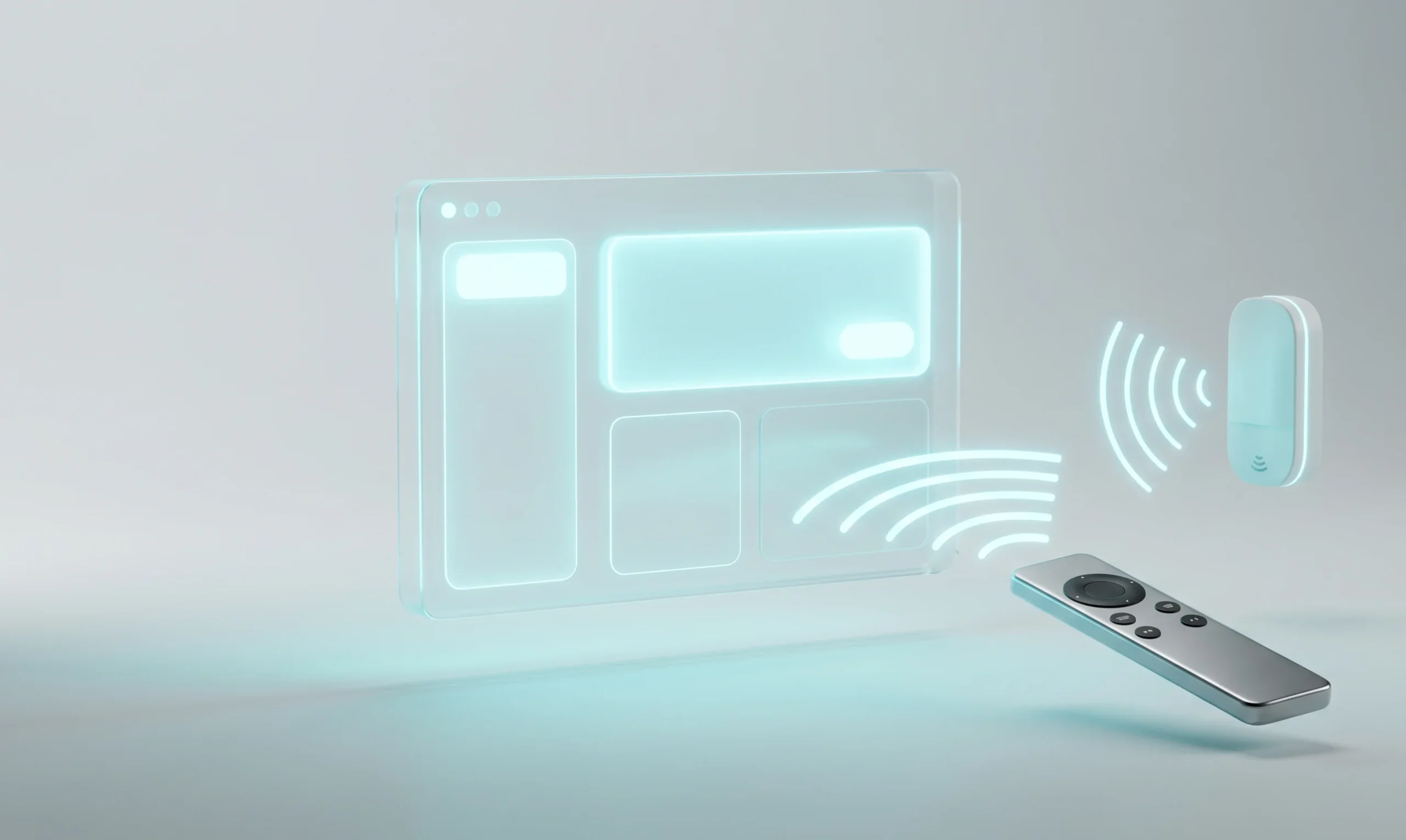
The latest update to the popular open-source smart home platform, Home Assistant 2026.6, introduces a major improvement for users who integrate traditional home appliances into their setups. Developers have significantly updated the infrared (IR) subsystem that was introduced in previous releases. Previously, the architecture only allowed sending pre-recorded commands to external devices, but now full two-way communication support has been implemented.
The main highlight of version 2026.6 is the ability to intercept and recognize infrared signals coming from third-party remote controls. This turns any old or unused remote control from a TV, air conditioner, or audio system into a multifunctional control panel for the entire smart home. Each key press can now act as an independent event within the system, triggering complex automation scenarios.
Technical Specifications and Hardware Requirements
For this new feature to function fully, Home Assistant utilizes compatible infrared receivers connected via local microcontrollers. The most stable integration is achieved using ESP8266 or ESP32 modules running ESPHome firmware. The system is capable of reading RAW signal codes, analyzing timings, and decoding them according to common industry protocols.
Below are the basic technical parameters that must be considered when configuring the hardware part of the infrared receiver for correct trigger capturing.
IR Trigger Use Cases in Home Automation
Integrating incoming infrared signals opens up broad opportunities for optimizing home control without the need to purchase expensive Zigbee or Wi-Fi buttons. Users can assign actions to keys that were previously unused. For example, spare channel selection buttons on a TV remote can now perform the following tasks:
- Adjusting brightness levels or toggling smart lighting groups in the living room.
- Activating and deactivating the night security mode of the house right before going to sleep.
- Controlling smart roller shades or blinds using the remote control’s navigation arrows.
- Launching multimedia scenes, including turning on the receiver, projector, and dimming lights with one button.
Because Home Assistant processes these events natively, the latency between pressing a button on the remote and executing the connected script is minimal, usually not exceeding a few milliseconds. This makes interacting with the environment responsive and seamless for the end user.
Configuration and Event Mapping
The integration process consists of several consecutive steps. First, the user switches the system into learning mode and then presses the desired button on the remote towards the receiver. Home Assistant registers the unique signal code. Subsequently, this code is written into the YAML automation configuration or selected via the visual editor in the trigger section of the Infrared platform.
An important advantage is that the system supports working with multiple receivers simultaneously. This allows deploying infrared coverage in different rooms, and the same remote control can execute entirely different commands depending on which room the user is currently in. The 2026.6 update makes the Home Assistant ecosystem even more versatile, lowering the entry barrier for automating spaces using existing hardware assets.


0 Comments