
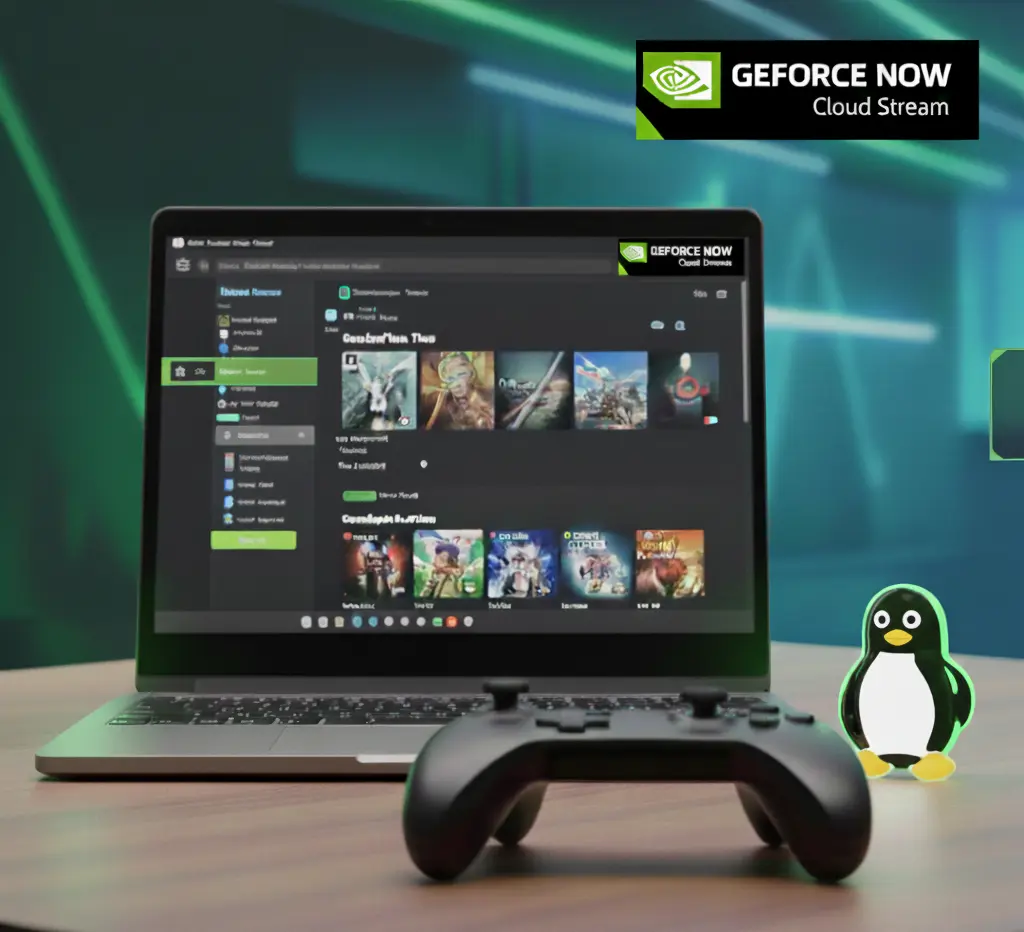
The long-awaited release of the official GeForce NOW app for Linux. Learn about the advantages over the browser, Steam Deck support, and tweaking for maximum performance.
GeForce NOW on Linux: Official App Now Available
Linux users have been waiting for this moment for years. NVIDIA has finally released a full-fledged official client for its GeForce NOW cloud gaming service. Previously, gamers had to rely on browsers or unofficial scripts, which were not always stable. Now the situation has changed radically.
Advantages of the official client over the browser
While the Chrome version worked well, the native Electron-based app offers much deeper system integration. Most importantly, it offers stable streaming and reduced input latency. The official client allows the system to better prioritize network traffic, which is critical for fast-paced shooters.
- Supports NVIDIA Reflex technology to minimize system latency.
- Smoother video playback thanks to improved frame synchronization.
- Improved work with game controllers and specific mouse settings.
- The ability to broadcast in 4K quality at a stable 60 FPS or even 120 FPS.
Installation on popular distributions
The developers have taken care to cover as wide an audience as possible. The official client is available in several formats, which makes its installation as simple as possible. The main targets are Ubuntu, Fedora and Arch Linux. For most systems, the ideal option is to use the Flatpak format, which guarantees the application works in an isolated environment without conflicts with system libraries.
Gift for Steam Deck owners
For users of Valve’s handheld console, this update is a real breakthrough. Previously, launching GeForce NOW on Steam Deck required switching to desktop mode, configuring Edge, and adding special launch options. The new client integrates directly into the game shell, allowing you to play the latest titles that are not available to run on the console hardware locally.
Subscription price and terms
The service continues to offer several tiers of access. The free version lets you explore the technology, but has session time limits. Priority Access costs about $10 per month, which gives you access to RTX and faster queues. The top tier, Ultimate, for $20 per month, offers RTX 4080-level power, which is now available to the Linux community.
Technical nuances and AI technologies
The official app actively uses AI to upscale the image, which allows you to get a clear picture even with less than ideal internet speed. It is important to note that for comfortable gameplay, a connection of 25 Mbps is recommended, and for maximum quality – 50 Mbps and above. The use of AI algorithms helps smooth out packet loss, making the gaming experience seamless.
The future of cloud gaming on Linux
This step by NVIDIA demonstrates the recognition of Linux as a full-fledged gaming platform. The growing popularity of SteamOS and Linux desktops is forcing major market players to adapt their software. The release of the official client is just the beginning of a long journey towards complete gaming independence for users of open systems.




0 Comments