
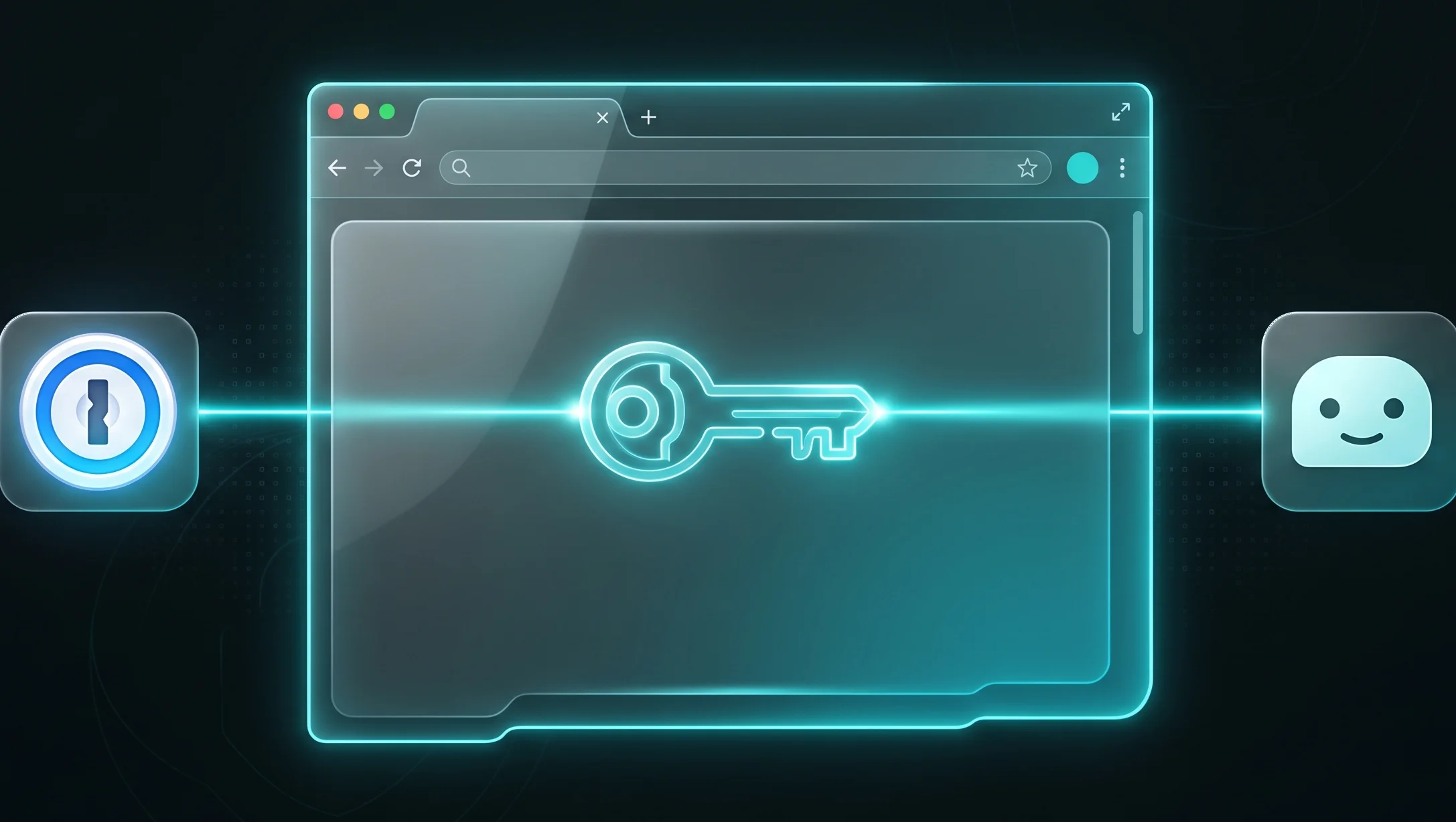
A New Approach to Autonomous AI Agent Security
The evolution of artificial intelligence has led to the emergence of agents capable of independently performing complex sequences of actions within a web browser. However, until recently, automating tasks that require website authorization posed serious threats to user privacy. Sharing credentials directly with language models could lead to leaks or unauthorized data usage.
The integration of the Claude AI assistant from Anthropic with the popular password manager 1Password solves this fundamental problem. Thanks to a specially developed toolkit and the Agentic Mode, the AI agent can authenticate on web resources, perform assigned operations, and yet have absolutely no direct access to the user’s plaintext passwords or security keys.
How Passwordless AI Authentication Works
The interaction mechanism is based on the principle of least privilege and the concept of zero-knowledge. When a user asks Claude Desktop to perform a task on a specific website, the AI agent does not attempt to read or extract credentials from the computer’s memory or browser. Instead, a secure exchange of requests occurs between the AI execution environment and the local 1Password application.
The authorization process consists of several sequential steps:
- The Claude AI agent detects that authorization is required on the target web resource to complete the current task.
- Claude sends a standardized system request to the local 1Password integration module.
- The password manager analyzes the request, verifies that the website address matches, and prompts the user for confirmation.
- Upon explicit approval from the user, 1Password automatically fills in the required input fields on the webpage via a secure API using an encrypted channel.
- Claude gains access to the already authorized session and continues executing the user’s instructions.
Because the credentials are transmitted and filled at the operating system and security extension level, the plaintext value of the password or two-factor code never enters Claude’s model context window. This eliminates the risk of the AI accidentally revealing secret data to third parties under the influence of malicious external input or prompt injections.
Technical Features and Security Levels
To ensure a high level of security, the developers implemented a flexible permission system that gives the user full control over the actions of the virtual assistant. Users can independently define which specific logins and passwords from their 1Password vault are allowed for use in automated processes.
The technology also supports temporary one-time passwords (TOTP), allowing two-factor authentication to be completed without introducing delays in the AI agent’s workflow. All authorization requests are logged in the 1Password audit trail, so users can verify exactly when and for which resources Claude used their accounts.
Unlocking Potential for Routine Task Automation
Removing the barrier to secure authorization opens up new possibilities for daily and professional AI utilization. Now, Claude Desktop can perform complex, multi-step tasks fully automatically. For example, a user can instruct the agent to gather traffic statistics from an analytics dashboard, download monthly financial statements from a bank portal, or send prepared documents through a corporate CRM system.
To activate this new feature, developers and users of Claude Desktop need to update the application to the latest version and enable the corresponding extension in the 1Password security settings. While the feature initially targets developers building advanced automation workflows, such passwordless integration mechanisms are bound to become the standard for most consumer AI services in the future.


0 Comments