
- The Concept Behind Project Zenith and Redefining the Workspace
- Hardware Prerequisites and Modern Computing Architectures
- Architectural Advancements in WSL and Desktop Simplification
- Integrated Tooling and Developer Environment Orchestration
- Local Machine Learning as an Integrated Developer Companion
- Industry Impact and Hardware Availability
The Concept Behind Project Zenith and Redefining the Workspace
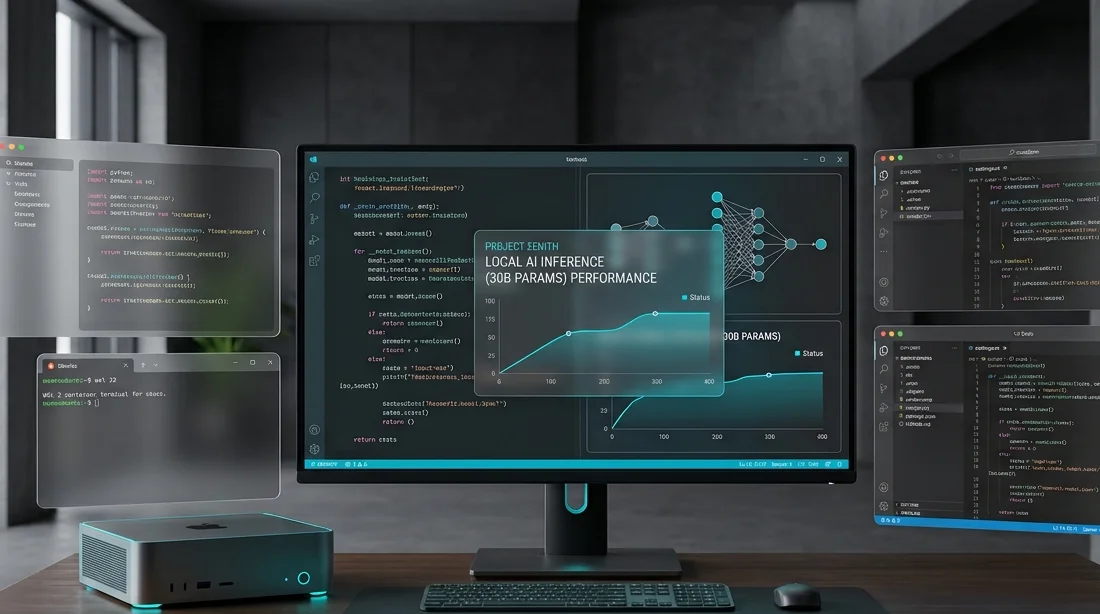
Microsoft is rethinking its fundamental operating system architecture for engineers, data scientists, and software developers. The initiative code-named Project Zenith introduces a dedicated Windows 11 configuration designed specifically for high-throughput software development, local machine learning inference, and seamless containerized workflows. For years, professional developers have voiced concerns regarding consumer-facing operating system features, such as background bloatware, advertisements, and unwanted background telemetry consuming critical hardware resources.
The primary mission of this specialized edition is to deliver a fully functional, ready-to-code developer environment immediately upon initial boot. Instead of spending hours adjusting environment variables, deploying Linux distributions via the Windows Subsystem for Linux, and wiring integrated development environments to terminal pipelines, engineers receive an optimized platform out of the box. This drastically decreases setup time across enterprise engineering teams while establishing a uniform technical standard.
A standout architectural element is the elimination of unnecessary consumer software. The core system image removes promotional panels from the Start menu, integrated consumer games, news widgets, and peripheral third-party tools. System scheduler heuristics are retuned to grant higher priority to background compilers, linkers, local runtime instances, and container engines over peripheral desktop rendering passes.
Hardware Prerequisites and Modern Computing Architectures
Project Zenith is not designed as a generic upgrade for budget enterprise machines. The operating system explicitly targets dense computing architectures capable of executing local inference tasks on complex models without relying on remote cloud computing clusters. To achieve consistent responsiveness under compile and inference stress, Microsoft established hardware thresholds that differ substantially from traditional personal computing standards.
At the center of this hardware foundation is unified system memory. Traditional systems using dual-channel DDR5 desktop layouts frequently hit thermal and bandwidth limits when loading weights for neural architectures surpassing 30 billion parameters. Project Zenith targets processors such as AMD Ryzen AI Halo silicon, which provide unified memory bandwidth ratings starting at 250 GB/s across shared memory pools utilized simultaneously by CPU cores, graphics engines, and neural processing units.
These elevated specifications reflect modern software development practices. Engineers regularly juggle memory-heavy development environments, mobile platform emulators, multi-stage microservice containers, and on-device code generation helpers simultaneously without inducing swap space thrashing.
Architectural Advancements in WSL and Desktop Simplification
Deep native integration with the Windows Subsystem for Linux (WSL) represents a central component of Project Zenith. In prior implementations, running Linux required separate tuning passes over .wslconfig files to prevent virtualization components from starving host system resources. In Project Zenith, the Linux microkernel boots natively alongside the Windows kernel architecture, sharing page tables with minimal virtualization overhead.
Storage I/O performance bottlenecks have been directly resolved through a zero-copy virtual storage driver. Historically, scanning large code trees consisting of tens of thousands of individual files within ext4 virtual disks created severe read and write overhead inside Windows Explorer. The redesigned storage bridge enables native NVMe throughput during dependency resolution phases, resolving common friction points encountered with large repositories.
Visual window management layers have been similarly streamlined. Heavy decorative transparency passes have been removed in favor of low-latency composite rendering optimized for high-density multi-display rigs. Desktop shell memory footprints are reduced by approximately 40%, freeing graphics memory channels for shader compilation and tensor compute operations.
Integrated Tooling and Developer Environment Orchestration
Setting up development machines typically requires installing third-party tool managers, configuring terminal emulators, and manually pulling security credentials. Project Zenith standardizes system orchestration through an integrated declarative configuration manifest. Developers can import single configuration profiles to have the underlying system automatically provision SDKs, runtimes, and debugger tools.
- A preconfigured Windows Terminal shell featuring unified tab management, persistent split panes, and integrated support for PowerShell and Linux distributions.
- An integrated container management subsystem designed to idle efficiently without consuming host CPU cycles when active build containers finish executing.
- Hardware telemetry utilities displaying processor power curves, silicon junction temperatures, and real-time unified memory bus usage under load.
- A process isolation sandboxing system that prevents experimental scripts from corrupting system drive root folders or critical developer dependencies.
The system package manager WinGet includes curated enterprise developer repositories within this edition, enabling secure, cryptographically validated installations of lower-level compilers, hardware SDKs, and platform libraries without relying on untrusted binary repositories.
Local Machine Learning as an Integrated Developer Companion
The strict 64 GB memory requirement directly connects to current industry paradigms surrounding private AI integration. Rather than transmitting proprietary enterprise codebases to third-party cloud APIs, organizations increasingly mandate local code evaluation and generation. Project Zenith is tailored to execute mid-to-large-scale model checkpoints natively on the host workstation.
Leveraging DirectML abstractions alongside hardware-level NPU pipelines, the operating system executes code completions, static vulnerability assessments, and unit test generation without network latency. This guarantees complete intellectual property isolation, ensuring sensitive proprietary algorithms never transmit across remote internet boundaries.
Supported model pipelines accommodate GGUF and ONNX execution runtimes natively, simplifying weight quantization and hardware acceleration across different silicon designs. Developers can locally profile how their own neural network integrations behave under real deployment conditions without leaving the development desktop.
Industry Impact and Hardware Availability
Project Zenith marks a calculated move by Microsoft to regain the trust of software developers who previously transitioned to macOS or pure Linux environments to escape consumer bloatware. By recognizing that professional programming workstations demand distinct architectural standards compared to media consumption laptops, Microsoft is positioning Windows 11 as a viable technical powerhouse for the next phase of software engineering.
Initial systems featuring Project Zenith pre-installed will emerge from major hardware manufacturers focusing on compact desktop workstations powered by unified APU silicon architectures. This combination promises to deliver server-grade local prototyping power in desktop and small-form-factor devices designed specifically for engineering workflows.



0 Comments