
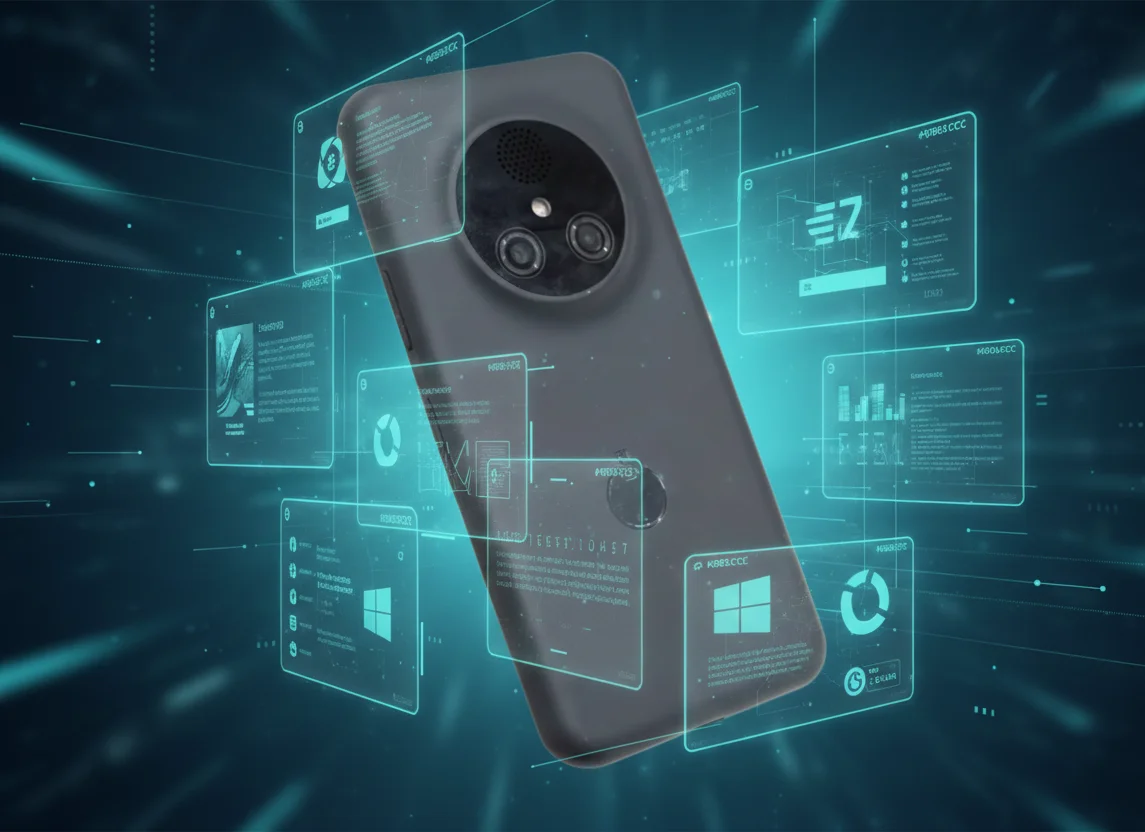
Learn how NexPhone turns your smartphone into a full-fledged Windows and Linux computer. An overview of virtualization technologies, their benefits for work, and the future of the mobile desktop.
NexPhone changes the way you think about mobile work through Windows and Linux
The idea of using a smartphone as a primary computing device is not new, but the NexPhone project takes it to a radically new level. For a long time, we have watched large corporations try to create a hybrid environment. Samsung DeX and Motorola Ready For laid a solid foundation, but they have always remained limited by the Android ecosystem. NexPhone offers to get rid of these frameworks, giving users the opportunity to run full-fledged operating systems, such as Windows and Linux, directly from a handheld device. This is not just running mobile applications on a large screen – it is a complete transformation of mobile hardware into a desktop tool.
Virtualization technology and full-fledged OSes
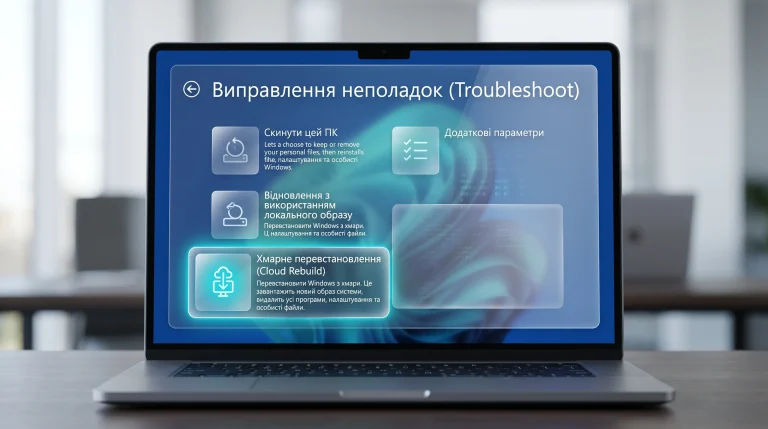
The main breakthrough of NexPhone is the use of advanced virtualization methods. Thanks to the support of Kernel-based Virtual Machine (KVM) on modern ARM processors, it becomes possible to run Windows 11 on ARM or Linux distributions (for example, Ubuntu or Fedora) at almost native speed. Previously, such attempts led to critical overheating or incredibly slow operation due to the emulation of the x86 architecture. Today, thanks to direct support for ARM instructions in Windows, NexPhone allows you to work in professional development environments, graphic editors and office suites without noticeable delays.
- Full support for multitasking in windowed mode.
- Working with desktop-level file systems.
- Ability to install .exe (ARM) and .deb packages.
- Low input latency when using peripherals.
Hardware requirements for stable operation
To turn a smartphone into a workstation, software alone is not enough. NexPhone places high demands on the hardware. First, the device must have at least 12 GB of RAM. Since part of the resources is allocated for the needs of Android as a host system, and the other part for the guest OS (Windows or Linux), less memory will lead to frequent application crashes. Second, support for the DisplayPort Alt Mode protocol via the USB-C port is critically important, allowing you to transmit a high-definition video signal to an external monitor or a special docking station such as NexDock.
In addition to memory, the cooling system plays an important role. Prolonged load on the processor while working in Windows can cause throttling. NexPhone recommends using docking stations with active cooling, the price of which on the market starts from $50 to $150. This allows you to maintain the peak frequency of the processor throughout the working day, providing a stable 60 frames per second in the system interface.
Linux for developers and Windows for business
Why does NexPhone bet on different OSes? The answer lies in the target audience. For software developers, the ability to have a full-fledged Linux terminal and VS Code environment in your pocket is invaluable. You can write code on the go, and when you get to the office, just connect your phone to a monitor and continue working in the same environment. Linux on ARM works extremely efficiently, consuming minimal energy while delivering high performance in compilation tasks.
On the other hand, the corporate sector is still firmly tied to Windows. Many specific accounting programs, CRM systems and banking software exist only in versions for Microsoft’s OS. The ability to open a full version of Excel with support for complex macros or run a corporate messenger that does not work correctly on Android makes NexPhone an ideal choice for business trips. The cost of licensed software remains standard, since the system recognizes the device as a regular ARM computer.
Advantages over Samsung DeX and competitors
Comparing NexPhone with existing solutions, there are several key differences. Samsung DeX is a great shell, but it still remains a “tablet” version of Android. It does not allow you to run professional software that requires a Linux kernel or specific Windows libraries. NexPhone does not try to hide the mobile nature of the device – it simply allows you to use its power at 100%.
- NexPhone: running independent OSes through virtualization.
- Samsung DeX: just a customized Android interface.
- Motorola Ready For: focus on multimedia and gaming.
- Google Desktop Mode: promising, but still limited development.
The Future of AI in the NexPhone Ecosystem
The development of AI plays a key role in the evolution of NexPhone. Modern chipsets are equipped with powerful neural processors (NPU), which can be used in guest operating systems. This paves the way for local launch of language models and AI tools for image processing directly on the smartphone, but in the interface of the desktop OS. The user gets the advantages of mobile hardware (high energy efficiency of AI-blocks) and the convenience of professional software.
Economic benefit and autonomy
The transition to the “smartphone as a single computer” model makes significant economic sense. Instead of buying a separate smartphone for $900 and a laptop for $1200, the user can invest in a flagship device and high-quality peripherals. The total savings can be more than $500-700. At the same time, your data is always with you, they are not desynchronized between different devices, which increases security and convenience. As for autonomy, modern batteries with a capacity of 5000 mAh provide up to 4-5 hours of intensive work in Linux mode without recharging, and with power connected via a hub, this time becomes unlimited.
Thus, NexPhone is not just another attempt to turn a phone into a computer. It is a real paradigm shift, where the operating system is no longer tied to a specific piece of hardware. The choice between Windows and Linux gives the user a freedom that has never existed in the mobile segment before. This is the future where your office truly fits in your pocket, without forcing you to compromise on functionality.

0 Comments