
Buying a used graphics card is a great way to save money and get the performance you need for gaming or graphics work. However, the used component market has its pitfalls, and the risk of purchasing a defective product is quite high. To avoid unpleasant surprises when buying a used graphics card, it’s important to follow a clear plan. This checklist will help you conduct a comprehensive inspection, from a visual inspection to full load testing. By following these recommendations, you can minimize risks and make a profitable and safe purchase.
Step 1: Visual inspection and communication with the seller
Before handing over your money, it’s important to conduct a thorough visual inspection of the graphics card. Assess its overall condition and ask the seller a few important questions.
- Physical Inspection: Check for damage, cracks, chips, or signs of a drop. Carefully inspect the power connectors and video outputs (HDMI, DisplayPort) for corrosion or bent pins.
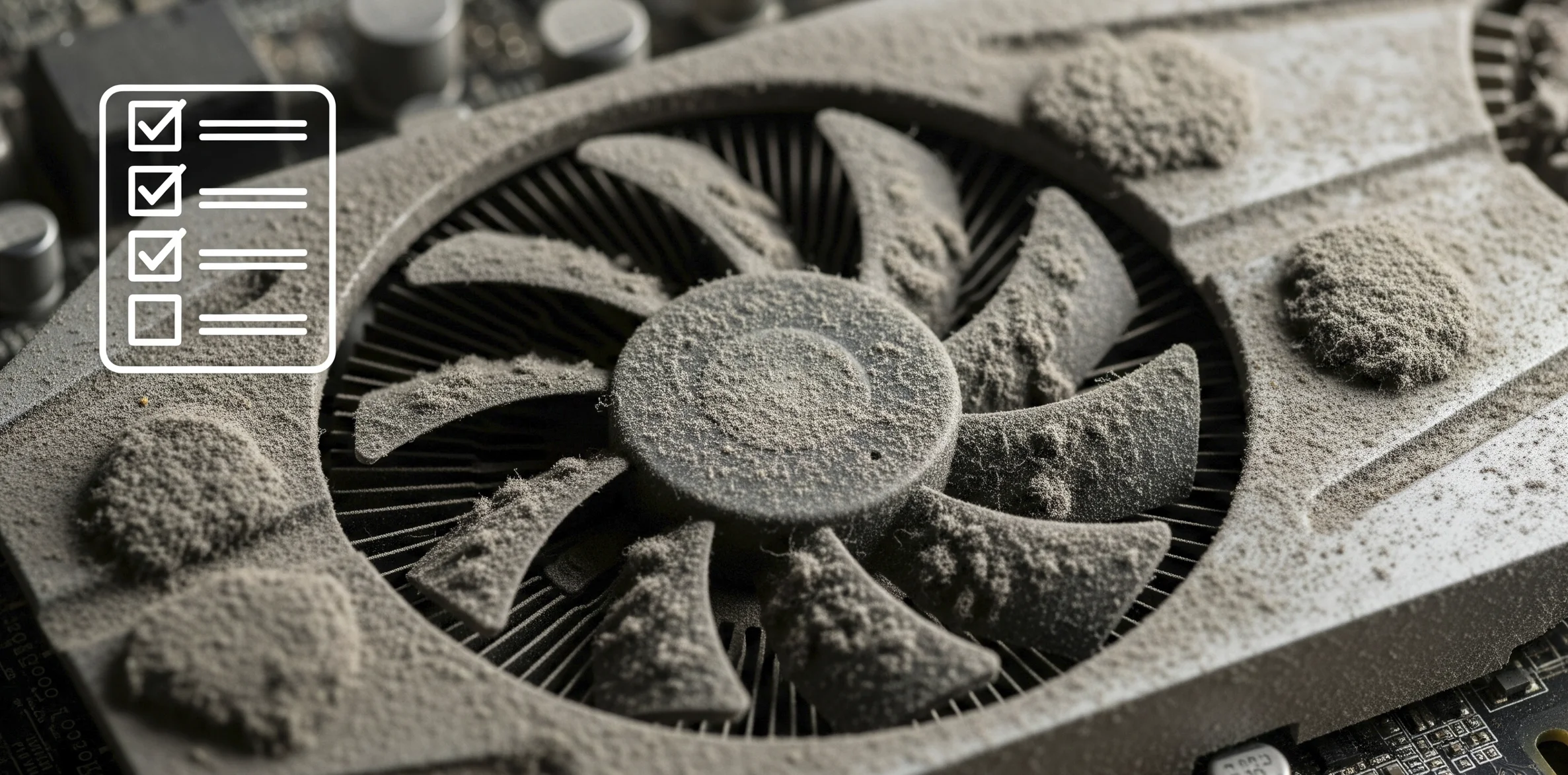
- Cooling system: Check the condition of the fans. They should rotate freely and without any unusual noise. Pay attention to any dust buildup-excess dust may indicate a lack of maintenance.
- Signs of repair: Look for damaged seals on the screws holding the cooler in place. Missing or damaged seals may indicate the card has been disassembled, possibly for repair.
- Ask the seller: Be sure to ask what the graphics card was used for, how long it’s been in use, and whether the box and documentation are available. Pay particular attention to whether it was used for mining.
Stage 2: Software diagnostics and testing
Even if a map looks perfect visually, it needs to be tested in real-world conditions. To do this, you need to run it on a PC.
- GPU-Z: The first step should be installing the GPU-Z utility. It will display complete information about your graphics card, including model, video memory size, memory type, and clock speed. Carefully compare this information with the seller’s claims.
- Stress tests: To detect hidden defects, run stress tests such as FurMark. This test puts maximum strain on the GPU and can reveal artifacts or overheating. Run the test for at least 10-15 minutes.
- Temperature Monitoring: Use software like MSI Afterburner to monitor temperatures and clock rates during stress testing. Normal temperatures for modern graphics cards under load typically do not exceed 85 degrees Celsius.
- Game Testing: If possible, run a few demanding games to see how the card performs in real-world scenarios. Pay attention to smoothness and the absence of artifacts or glitches.
Signs of malfunction to look out for
During testing, be on the lookout for potential issues that indicate component failure or fatigue.
- Visual artifacts: These may include stripes, squares, flickering on the screen, or incorrect color display. These usually indicate video memory issues.
- Unstable operation: The video card may crash from applications, cause the system to freeze, or cause a blue screen of death during load.
- Noise: Loud crackling, grinding, or vibration from the fans is a sign of wear and tear.
- Overheating: Excessively high temperatures during loading may indicate an ineffective cooling system, which could be due to worn out thermal paste or a faulty fan.
Final tips and choosing a seller
Always try to meet the seller in person to test the graphics card. When buying online, use reputable platforms that offer secure transactions. Remember, graphics card diagnostics are your primary protection.
- Price: Compare the price with similar offers on the market and take into account the current condition. If the price is significantly below market value, this may be cause for suspicion.
- Card Origin: Try to avoid cards that have been repaired or used for mining. Cards used for 3D modeling typically have longer lifespans.
Armed with this checklist, you’ll significantly increase your chances of a successful purchase. A thorough review will take a little time, but it will save you from unnecessary expenses and disappointment.



0 Comments