
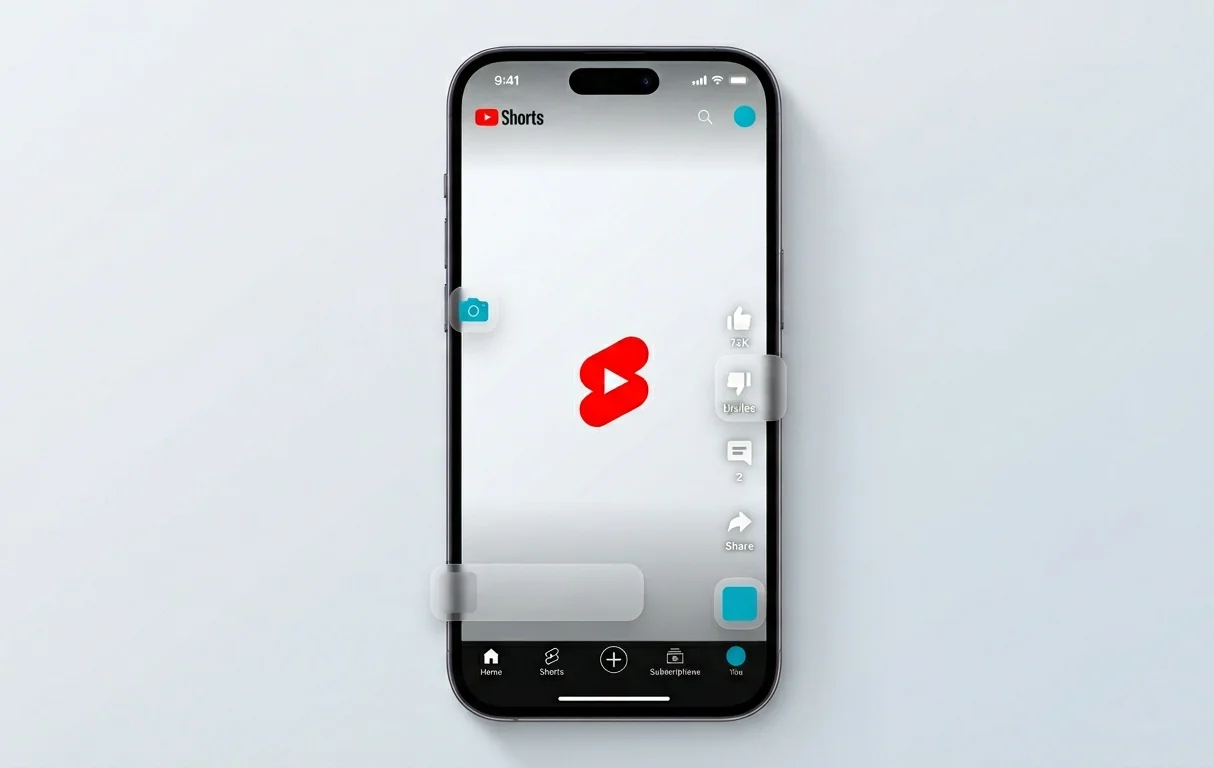
New Features in YouTube Mobile Player
The YouTube platform is rolling out a massive interface update for its vertical short-form video section, Shorts. The main goal of this release is to increase content interaction speed and clean the screen of clutter that often blocked important visual details. Developers addressed user complaints regarding interface text overload and added tools previously restricted to long-form horizontal videos.
These changes alter the habitual format of short video consumption. They allow viewers to independently control their watching experience, focusing strictly on the visual flow without being distracted by text descriptions, tags, or system control buttons.
How Quick Double Speed Playback Works
The most anticipated function is the integrated playback acceleration. Now, while watching any video in the Shorts feed, users can double the playback speed. There is no need to open additional settings menus or navigate to separate application tabs.
Activation of this mode relies on a simple gesture. Users need to perform a long press on either the right or left side of the smartphone screen. As long as the finger is held on the display, the video plays at 2x speed. Once the user releases the screen, the player instantly returns to the standard playback rate. This allows for quick skipping of uninteresting moments in entertainment trends or rapid scanning of cooking recipes, tutorials, and educational content.
Clear Screen Mode for Maximum Content Immersion
Another major improvement affects the visual perception of short content. Text blocks, audio track titles, hashtags, and creator interaction icons often occupy up to 30% of usable space on mobile screens. Because of this, creators had to compose their shots carefully so that essential objects did not end up beneath application interface elements.
The Clear Screen feature resolves this issue with a single tap. Users can completely hide all overlay interface items, including view counters and comment sections. To activate this new mode, developers added a specific button to the Shorts context menu. Once enabled, only the clean video sequence remains on the screen without any additional overlay text. A secondary press restores the standard interface layout.
Changes in Rating System and User Reactions
YouTube continues to modernise interaction mechanisms between viewers and content creators. As part of this update, developers made substantial adjustments to the visual design of Shorts social features. The classic dislike button was entirely removed from the quick access panel.
Instead of the traditional thumbs-up icon used for expressing approval for many years, a sleek heart icon is now integrated. This decision aligns the YouTube Shorts interface with the established standards of other popular vertical video platforms. Negative reaction statistics are no longer displayed on the main player screen, though channel creators can still access detailed analytical preference reports within the closed YouTube Studio creator panel.
Comparison of Old and New Shorts Interface
Availability and Deployment Timeline
The official launch of the new Shorts player options commenced on June 25, 2026. The company uses a phased software deployment strategy. This means that access to the 2x playback speed and Clear Screen mode opens up in waves for different global regions.
Changes take effect via Google server-side adjustments and through updates to the official YouTube mobile app for Android and iOS operating systems. Full interface deployment for 100% of the global user base is scheduled to conclude within a few days. Users are advised to check for the latest application version in the Google Play Store and App Store to gain access to these new content management tools.

0 Comments