
- What exactly was integrated into the chatbot: from Photoshop to Acrobat
- Advantages of “Conversational Editing”: How does it work for the user?
- Conditions of access and the economic aspect of integration
- The Competitive Landscape: AI Editing and the Future of Creativity
- How to use Adobe Express and Acrobat in ChatGPT
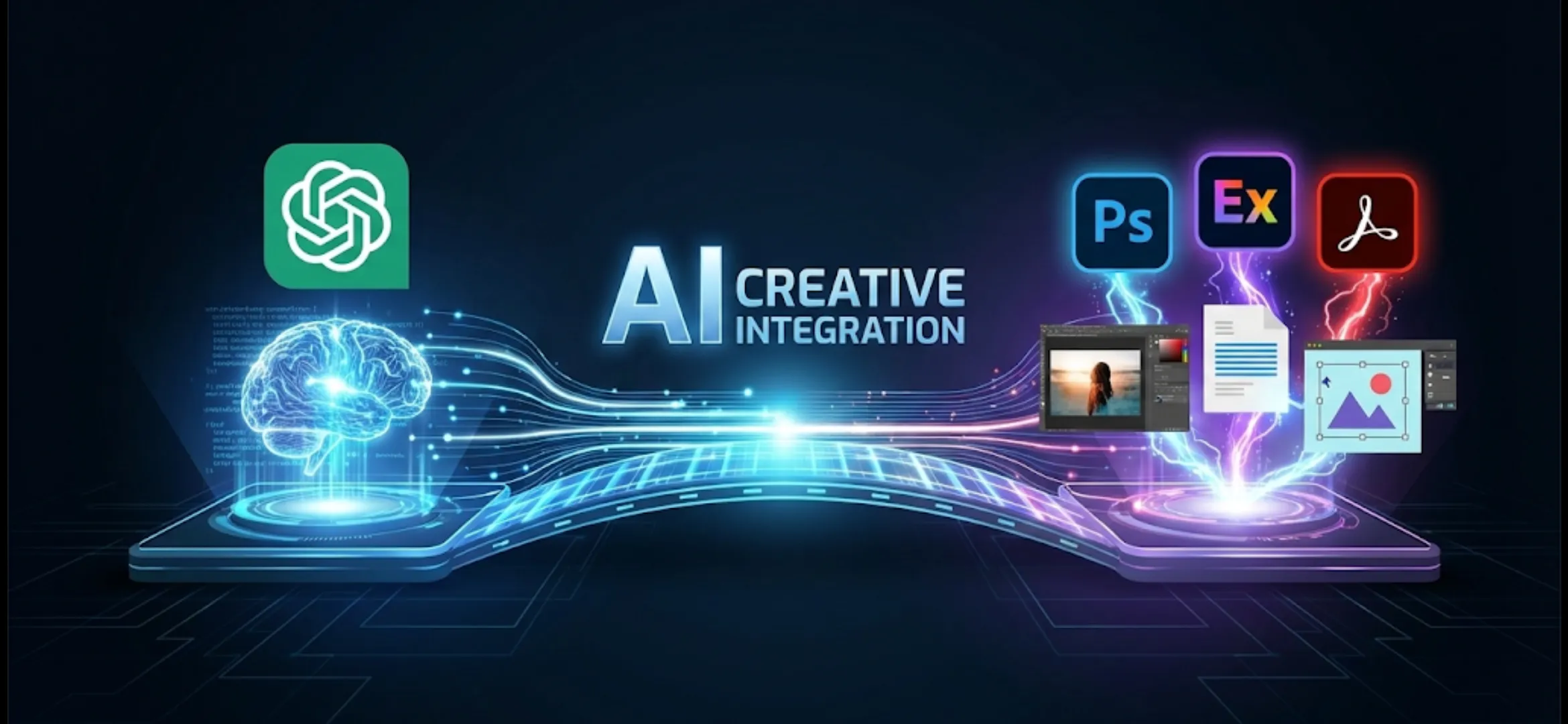
The world of artificial intelligence continues to amaze, blurring the boundaries between generative models and professional tools. The latest breakthrough: ChatGPT has received native integration with Photoshop, Adobe Express, and Acrobat. This means millions of users can now edit photos in ChatGPT and PDF documents directly through the chat interface. This collaboration is fundamentally changing the approach to digital creativity and document management, making it more accessible and faster.
What exactly was integrated into the chatbot: from Photoshop to Acrobat
The integration includes not only the flagship Photoshop, but also Adobe Express, which is more focused on rapid creative work, and Acrobat, an indispensable document management tool. In fact, ChatGPT’s photo and PDF plugins now allow you to access the functionality of these powerful programs using simple text queries. Users no longer need to switch between different applications or a paid subscription to perform basic but essential operations.
- Photoshop (selected AI tools): AI-powered background fill (Generative Fill) and quick retouching features are available.
- Adobe Express: Features for fast design, such as banner creation, social media posting, AI photo editing, cropping, and filtering.
- Adobe Acrobat: PDF features including text editing, highlighting, commenting, format conversion, and document compression.
Advantages of “Conversational Editing”: How does it work for the user?
The main advantage of this integration is “conversational editing.” Instead of manually clicking dozens of buttons and navigating complex interfaces, users simply describe their desired result in chat. For example, “Make the image square, add brightness, and remove this unwanted object from the background.” ChatGPT interprets this request and utilizes the corresponding Adobe tools. This approach makes AI image processing freely accessible even to those without design experience.
This significantly speeds up workflows. Professionals can quickly prepare drafts or perform batch processing, while casual users can easily create engaging content for personal use. Of course, the full functionality of Photoshop, used for detailed and complex work, remains in the desktop version, but the available capabilities are already a significant step up.
Conditions of access and the economic aspect of integration
Access to these features now depends on your ChatGPT subscription. Advanced integrations using third-party APIs are typically available to ChatGPT Plus or Enterprise subscribers. While the processing itself may be “free” with a subscription, it still requires a fee of approximately $20 per month. However, this is significantly cheaper than purchasing individual licenses for some Adobe products.
Adobe’s strategy is to attract new audiences. By providing access to basic functionality through a popular chatbot, Adobe is introducing millions of users to its tools. This potentially converts newcomers into future paid subscribers who will subsequently demand the full range of Creative Cloud features. This approach strengthens the company’s position in the AI-powered creative tools market.
The Competitive Landscape: AI Editing and the Future of Creativity
Adobe’s integration into ChatGPT is a powerful response to competitors’ advances. Companies like Google and Microsoft are actively integrating AI features into their ecosystems (for example, integrating AI editing tools into Google Photos or Copilot). However, direct access to professional tools like Photoshop and Acrobat gives ChatGPT and Adobe a significant advantage.
This new ChatGPT feature ushers in an era where creative professions are being transformed. On the one hand, AI is taking over routine tasks, freeing up time for more creative work. Furthermore, the need for new skills is emerging – the effective formulation of requests (prompts) to achieve the best results. ChatGPT’s integration with Adobe Acrobat is becoming crucial for businesses seeking to optimize document flow.
How to use Adobe Express and Acrobat in ChatGPT
To get started, users must activate the corresponding plugin in the ChatGPT settings (provided they are a subscriber). Once activated, they can simply upload an image or PDF file (if supported by the interface) and give the chatbot a task. For example: “Open this PDF, find the section on AI, and add a comment about its relevance.” or “Use the free Photoshop in ChatGPT to create a collage from these two photos.”
- Check your subscription: Make sure you have access to a version of ChatGPT that supports plugins or integrations.
- Activate Adobe tools: Find and add the relevant Adobe tools from the list of available integrations.
- Use clear prompts: The more detailed you describe the task, the better the result will be.
This integration isn’t just an update; it demonstrates how quickly ChatGPT’s new features make it a central platform for a wide range of tasks. The ability to edit ChatGPT PDFs and process photos in ChatGPT using powerful Adobe tools opens new horizons for productivity and creativity.



0 Comments