
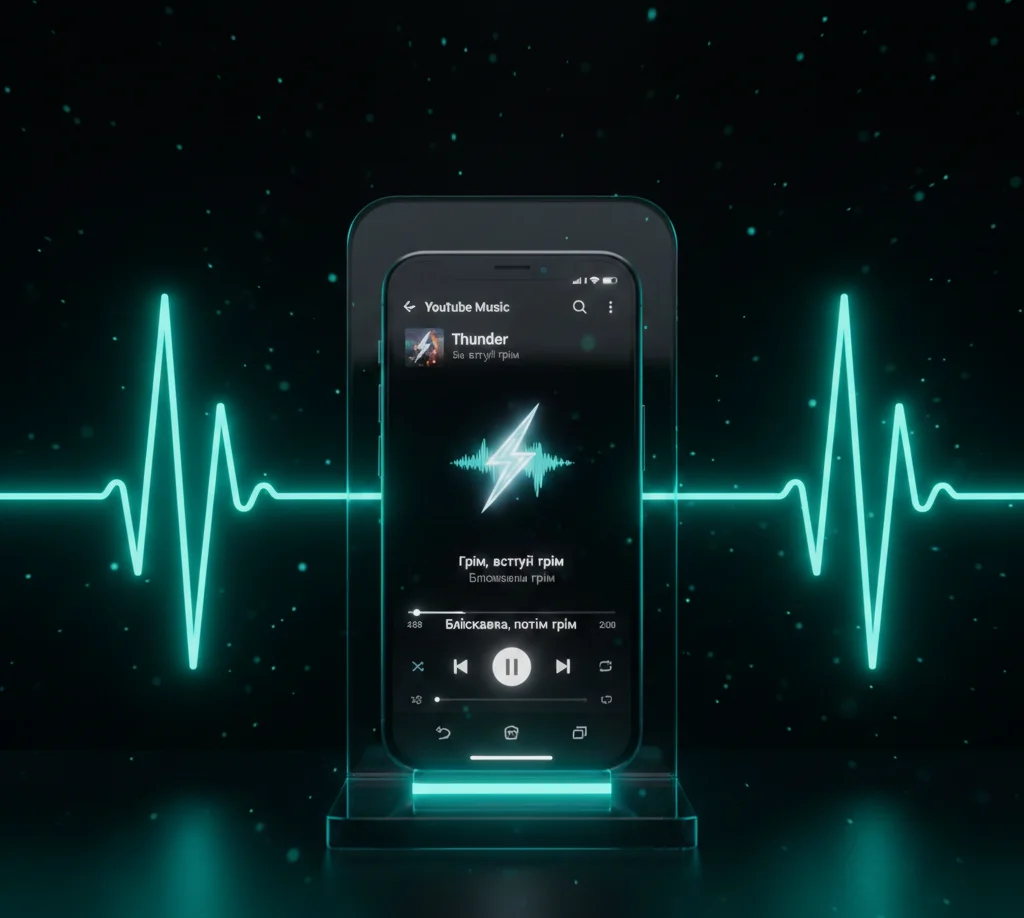
Learn how YouTube Music’s new lyrics translation feature works. Read about Lyrics syncing and UI updates for Android and iOS.
YouTube Music adds lyrics translation for easy listening
The YouTube Music streaming service has taken an important step towards music lovers who like to immerse themselves in the meaning of foreign compositions. Now users do not need to open a browser to look up the meaning of words – the translation function is integrated directly into the Lyrics tab. This update is based on powerful Google algorithms and makes the music experience much deeper.
Translation functionality in YouTube Music
The new feature is available in mobile apps for both popular platforms. It works as simple as possible: while playing a song, just open the lyrics panel, where a special translation button appears next to the original lines.
- Instant translation activation with one click on the planet icon.
- Support for over 100 languages thanks to integration with proven Google translation services.
- Ability to switch between the original and translated version without stopping the track.
Karaoke-style sync
One of the key advantages of the update is the full synchronization of the text with the audio stream. The lines are highlighted in time with the music, which allows the application to be used as a full-fledged system for karaoke or language learning. Unlike static texts from competitors, the solution from YouTube Music looks dynamic and adaptive.
Comparison with other services
While Apple Music and Spotify already offer similar tools, YouTube Music is focusing on global reach. Using AI to automatically analyze lyrics, it can even cover rare songs that previously had no official translations, significantly expanding the library of available content for users around the world.
How to activate the new feature
The update is being rolled out gradually on the server side, so you don’t always need to manually update the app to get it. If you don’t see the translation button yet, it’s worth checking to see if the Lyrics tab is active at the bottom of the player while listening.
- Make sure you are using the latest version of the app from the store.
- Open any song and drag the Lyrics panel up.
- Look for a new icon in the lower right corner of the text window.
This update makes YouTube Music an even more powerful tool for content consumption, erasing language barriers between artists and their audiences. Users get more than just a player, but an intelligent service that understands the context of each song.


0 Comments