
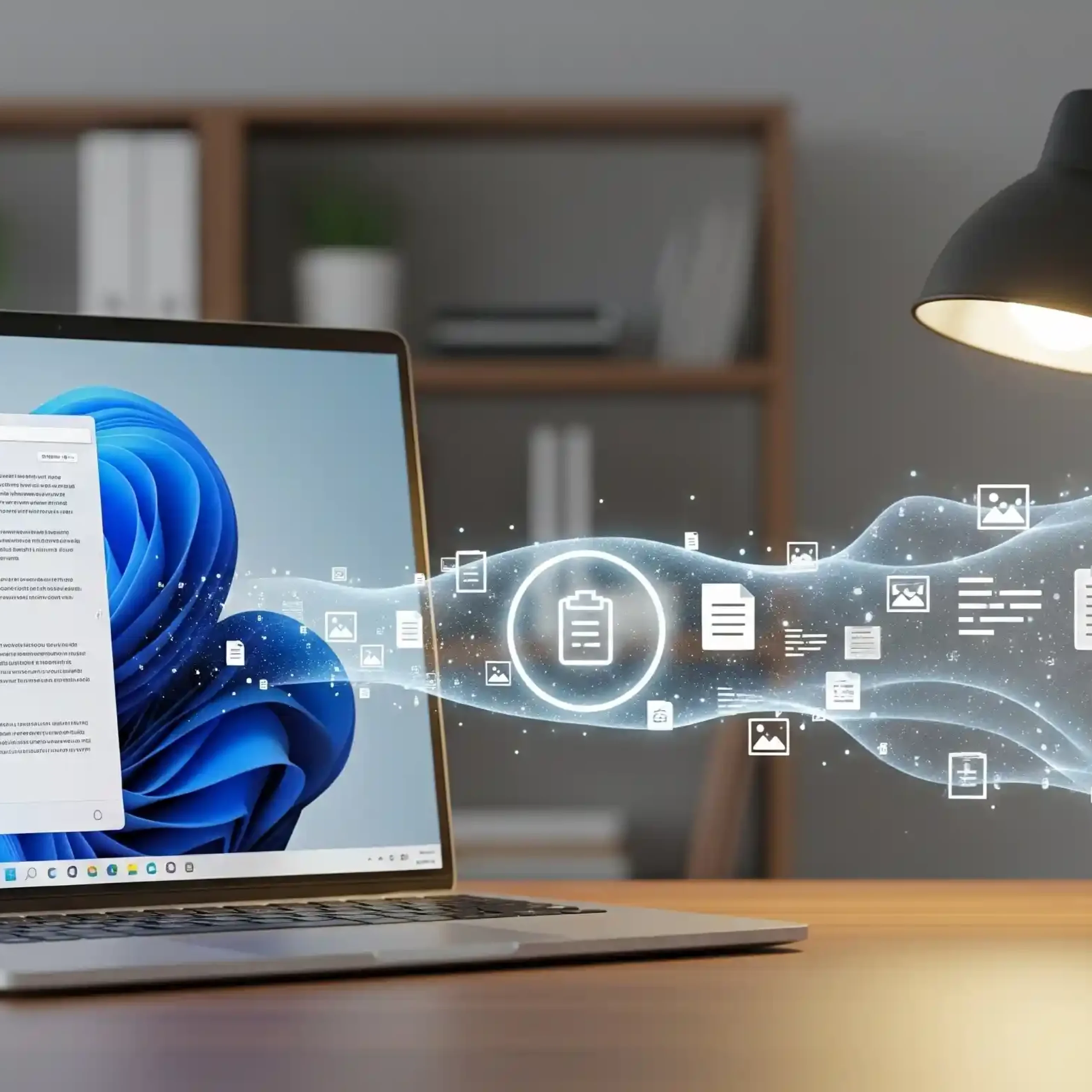
Today, many of us use both a computer and a smartphone for work and personal matters. We often need to quickly transfer text, links, or images from one device to the other. Previously, this required the use of instant messaging apps, email, or cloud services, which was not always convenient. However, Microsoft is taking a significant step toward meeting user needs by announcing a new feature that will allow Windows 11 to sync the clipboard with Android. This update will dramatically simplify interaction between devices, ensuring seamless data exchange and accelerating workflows. This integration is part of Microsoft’s broader strategy to create a unified ecosystem that unites desktop and mobile platforms, regardless of manufacturer.
Clipboard Sync: How It Works in Practice
The key tool for this new feature is the Phone Link app, which has long been an integral part of Windows 11. To activate clipboard sync, users need to follow a few simple steps. First, sign in to the same Microsoft account on both devices-the computer and the Android phone. Then, enable the corresponding option in the Phone Link app settings. Once activated, the system works almost instantly. When you copy text, a link, or a small image on your phone, this data is automatically sent to Microsoft’s cloud storage. Thanks to tight integration with the operating system, your computer will immediately “pull” this information, allowing you to paste it into any document or program on Windows 11. The same works in reverse: copy text on your computer and paste it on your phone. This two-way sync makes data sharing intuitive and saves significant time.
Practical benefits: use cases
This feature, although it seems simple, has huge potential to simplify everyday tasks.
- Quick link sharing: Imagine you found an interesting article on your phone but want to read it on a larger screen. Instead of sending the link to yourself via email or messenger, you simply copy it from your smartphone and paste it into your computer browser.
- Copying Contact Information: If you need to transfer a phone number or address from a document on your computer to the Android calling app, you simply copy the data and paste it.
- Text and image sharing: For journalists, students, or office workers who frequently work with content on both devices, this greatly simplifies their workflow. You can take a photo of a document with your phone and immediately paste the image into a word processor on your computer.
- Convenient Input: When you want to quickly enter long text or password on your phone, you can simply copy and paste it from your computer, which is much faster than typing it manually.
Technology and its place in the ecosystem
The development of this feature is Microsoft’s response to the demands of a modern market dominated by cross-platform solutions. Similar functionality has long existed in the Apple ecosystem with its Continuity technology, which enables seamless interactions across iPhones and Macs. Now, Microsoft is approaching this level of integration, offering a similar solution to billions of Windows and Android users. Clipboard synchronization is part of a larger strategy aimed at making Windows the central hub for all user devices. It also demonstrates that the company understands the importance of the Android mobile platform and is willing to invest in its integration with its operating system. This feature transforms the Link to Phone app into a more powerful tool, making it indispensable for many users.
In summary, clipboard syncing in Windows 11 and Android is a significant step forward. This feature significantly simplifies data sharing and makes cross-device workflows smoother and more intuitive. This isn’t just another update; it’s a change in how we interact with our devices. Microsoft demonstrates its readiness to adapt to the needs of the modern digital age, creating products that make users’ lives easier and more efficient. This update delivers real value and underscores the company’s commitment to blurring the boundaries between computers and smartphones.

0 Comments