
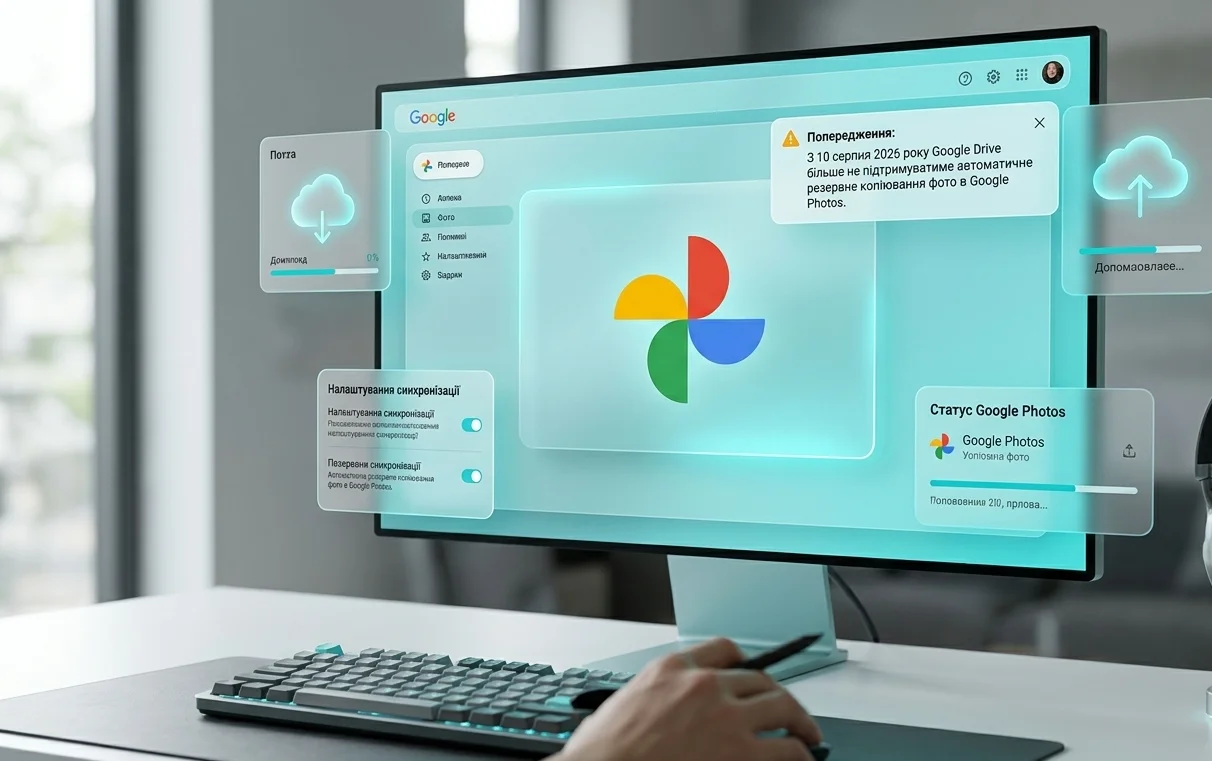
- Changes to Google Drive Desktop App Functionality
- Timeline of Media Sync Changes
- What Changes After August 10, 2026
- How to Upload Desktop Photos to Google Photos Now
- Comparison of Photo Storage Workflows
- Impact on Photographers and Content Creators
- Alternative Automatic Backup Solutions
- Popular Cloud Alternatives
- Cloud Storage Pricing and Google One Plans
- Preparation Checklist for August 10
Changes to Google Drive Desktop App Functionality
Google has officially announced a significant update to its cloud storage ecosystem architecture. Starting August 10, 2026, the desktop Google Drive application for Windows and macOS will lose the ability to automatically back up media files directly to the Google Photos service. This decision impacts millions of users who rely on seamless photo uploads from their desktop computers, dedicated cameras, and external storage drives.
The engineering team behind the update explained that this step is aimed at simplifying product architecture and eliminating user confusion regarding duplicate file management. In this article, we break down what is changing for everyday users, explore alternative tools provided by Google, and discuss workflow adjustments for photo management.
2>Historical Context and Reasons for Duplication
Over the years, the synchronization mechanism between Google Drive and Google Photos has undergone several structural shifts. Originally, both platforms operated as a closely integrated service with transparent folder access. Later, Google separated them into standalone products with distinct interfaces and organization models.
Timeline of Media Sync Changes
- 2019 – Official disconnection of automatic sync between Drive folders and Photos library.
- 2021 – End of unlimited free photo storage for high-quality uploads.
- 2026 – Complete removal of automatic desktop photo backup via the Drive app.
The latest update continues Google’s clear boundary strategy between productivity tools and personal media management. Desktop Google Drive remains focused on documents, team collaboration, and file trees, while Google Photos consolidates its position as a dedicated personal media library powered by artificial intelligence search and editing features.
What Changes After August 10, 2026
The primary change takes place within the preference panel of the Google Drive desktop app. The option allowing users to target specific folders for direct automatic export into Google Photos will be removed from the user interface completely.
All photos and videos uploaded prior to August 10 will remain intact and accessible in your library. Existing albums and shared links will not be modified or deleted. The update applies strictly to the processing of new media added on desktop devices after the deadline.
How to Upload Desktop Photos to Google Photos Now
To back up new images to your cloud gallery from a PC or Mac, Google recommends using manual or mobile-first workflows.
- Manual Web Uploads. Users can navigate to photos.google.com in any web browser and drag and drop files or folders directly into the window.
- Mobile App Sync. Automatic backup for Android and iOS devices remains fully functional without any alterations.
- Standard Drive Folder Sync. You can still sync image files to regular Google Drive folders using the desktop app, but these files will count as standard storage objects and won’t populate your main Photos timeline.
Comparison of Photo Storage Workflows
The table below summarizes the key features of available media upload methods following the enforcement of the new rules.
Impact on Photographers and Content Creators
Professional photographers, video editors, and digital creators who use desktop computers as primary workstations will feel the greatest impact. Previously, importing assets from SD cards was fully automated – inserting a card triggered automatic cloud ingestion directly into Photos.
Creators must now adjust their ingestion pipelines. Industry experts recommend adopting dedicated local photo management applications or utilizing secondary cloud services for initial offloading and sorting.
Alternative Automatic Backup Solutions
If continuous background folder sync from a desktop computer is essential to your daily workflow, several reputable cloud storage providers offer robust native desktop backup tools.
Popular Cloud Alternatives
- Microsoft OneDrive. Features deep integration with Windows desktop folders, automatically backing up picture libraries and creating auto-albums.
- Dropbox. Offers reliable desktop auto-import functionality for connected digital cameras and memory cards.
- Proton Drive. Focuses on privacy and end-to-end encryption while maintaining desktop file synchronization capabilities.
- Network Attached Storage (NAS). Hardware solutions from Synology or QNAP allow users to create private personal clouds with automated backup without ongoing monthly subscriptions.
Cloud Storage Pricing and Google One Plans
All media uploads consume storage from your shared Google Account quota. The free tier offers 15 GB divided across Gmail, Google Drive, and Google Photos. Expanding capacity requires a paid Google One subscription plan.
The Basic plan with 100 GB costs 1.99 USD per month. The Standard plan offering 200 GB is priced at 2.99 USD per month. Premium users requiring 2 TB pay 9.99 USD per month. The chosen upload method does not alter storage accounting – identical files consume the same quota whether uploaded via web or mobile.
Preparation Checklist for August 10
To ensure a smooth transition without risk of data loss, we recommend completing the following steps before the update takes effect.
- Review your current Google Drive desktop preferences to identify monitored media folders.
- Confirm that all pending local media files have completed uploading to your Photos library.
- Select a preferred manual or browser-based upload method for future desktop transfers.
- Consider setting up local redundant backups on an external drive or network storage device.
This update reflects a broader industry trend toward separating productivity file management from personal consumer media archives. While desktop power users may need to adapt their habits, Google’s ecosystem remains strong for cross-device media access.


0 Comments