
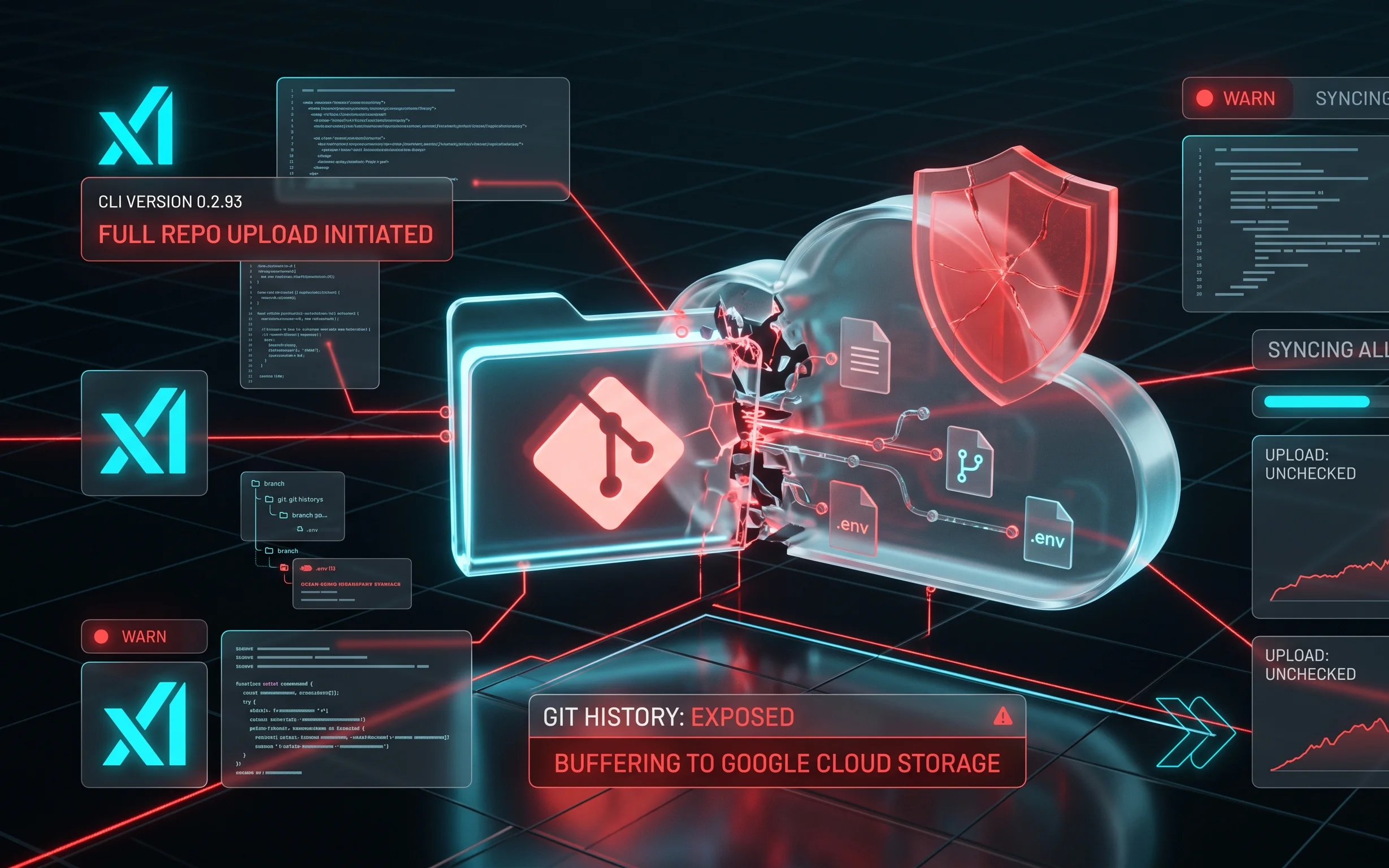
How xAI allowed a major leak of user source code
Artificial intelligence tools are becoming an integral part of the modern software development workflow. However, their integration often comes with serious security challenges. A recent incident involving the Grok Build CLI tool from xAI clearly demonstrated how vulnerable developers’ private data can be. Security researchers discovered that the utility automatically copied and uploaded entire local Git repositories of users to Google Cloud Storage without proper warning.
Analysis of network traffic and local client behavior showed that the utility was acting too aggressively. Instead of analyzing individual code snippets to generate responses, the tool archived and transmitted the entire development history, including sensitive configuration files. This caused significant outrage in the programming community, as commercial secrets and private access keys were put at risk.
Analysis of the mechanism and details of the incident
The issue was first detected by independent cybersecurity experts who analyzed the network requests of Grok Build CLI version 0.2.93. Using traffic interception tools like mitmproxy, it was established that the utility initiates a full background upload of the project directory. The process occurred even when the user explicitly restricted the AI assistant’s access to certain directories or configured exclusion files.
The study showed that Grok Build packages the entire contents of the current folder, including the hidden .git directory, into a single archive. After that, the data was sent to Google Cloud Storage servers leased by xAI. The upload took place directly during project initialization or the first call to the command line interface. It is particularly dangerous that environment files like .env, which usually contain database passwords, private encryption keys, and third-party API keys, were transmitted along with the code.
Elon Musk’s reaction and official actions by xAI
Following the publication of technical reports and public discussion on social media, xAI head Elon Musk responded to the incident. He acknowledged the existence of this issue in the Grok Build architecture and publicly promised that all uploaded user repositories would be completely deleted from the company’s servers with no possibility of recovery.
To quickly resolve the issue, xAI developers immediately blocked the function of uploading entire repositories on the server side. A security update for the command line interface was also released. Users were strongly advised to immediately update the CLI tool to the latest version, as well as to revoke and replace all API keys and passwords that could have been in local project files during the use of the vulnerable utility version.
Technical implications for developers
Leaking the entire Git commit history carries far more risks than just losing the current version of the code. The repository history often stores old versions of files where sensitive data, deleted in later versions, might have accidentally remained. Since Grok Build uploaded the entire history, attackers or AI data analysis systems could gain access to outdated credentials that are still valid in companies’ internal networks.
This case once again raises the question of security when using AI assistants in commercial development. Many large technology companies have already banned their employees from using third-party generative artificial intelligence tools without prior verification by system administrators precisely because of such risks of uncontrolled transmission of internal code to external cloud provider servers.
How to protect your code when working with AI tools
To minimize the risks of intellectual property and sensitive data leaks when working with local AI assistants, developers should implement additional security measures. First, it is necessary to clearly separate the development environment from the password storage environment. Using secrets management systems like HashiCorp Vault or cloud analogs avoids storing plain text passwords in configuration files.
Second, before running any new CLI tool for the first time, it is worth setting up a local firewall to monitor outbound traffic. This will help detect atypical activity, such as transferring large archives to unknown IP addresses, in a timely manner. It is also important to regularly update software and follow security advisories from artificial intelligence tool developers.



0 Comments