
Personalized Rhythm for Every Workout
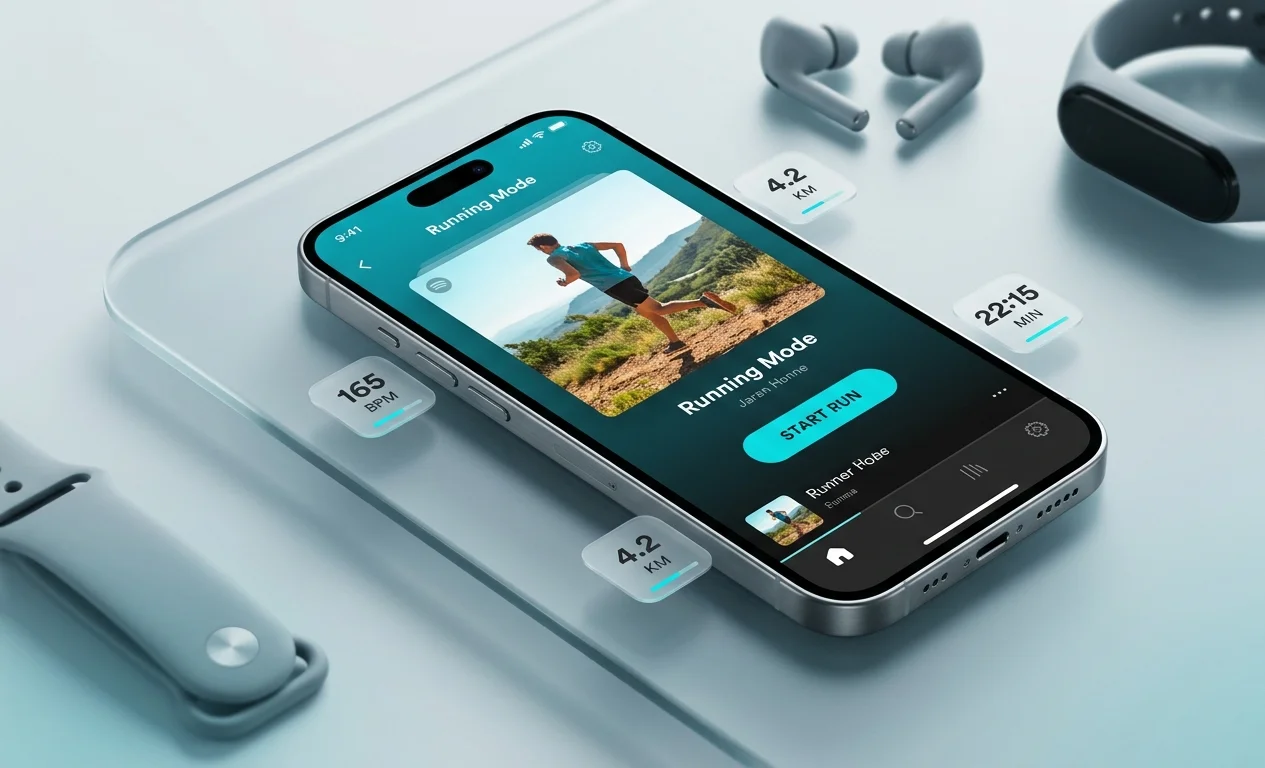
Music streaming service Spotify has officially expanded the functionality of its Android application by introducing the dedicated Running Mode. Previously an exclusive feature for iOS users, Android smartphone owners can now experience adaptive music selection tailored to their running pace.
The core concept of Running Mode is to redefine how users select workout soundtracks. Instead of relying on static playlists, the app offers a dynamic system that considers movement pace, session duration, and individual musical preferences. This is achieved through real-time audio analysis algorithms and device sensors.
How Pace Adaptation Works
At the heart of the feature lies the measurement of Beats Per Minute (BPM). The smartphone accelerometer and gyroscope track the runner step frequency. The system then automatically selects tracks whose rhythmic structure aligns precisely with the athlete cadence.
- Automatic pace detection – the system reads running cadence within the first few seconds of movement;
- Dynamic switching – if the runner speeds up or slows down, the next track is selected to match the updated tempo;
- Motivation maintenance – smooth transitions between songs help sustain a consistent breathing and step cadence.
Interface and Customization Features
The Running Mode interface is specifically designed for users in motion. Control buttons are enlarged, and essential workout metrics are displayed on high-contrast cards. Users can set their expected workout duration in advance, ranging from 10 to 90 minutes, and select preferred genres.
In addition to automatic track matching, the mode includes curated mixes from professional DJs and athletic trainers. These soundtracks are structured so the tempo gradually increases during warmup, peaks mid-session, and tapers off during cooldown.
Compatibility and Subscription Requirements
Fully utilizing Running Mode requires an active Spotify Premium subscription. The free tier of the service provides access to static running playlists without real-time cadence matching capabilities.
The feature is supported on devices running Android 10 and newer versions of the operating system. Integration with Wear OS smartwatches allows runners to leave their smartphones behind if the watch supports standalone LTE or offline media storage.
Optimization Tips for Runners
- Ensure the smartphone is securely fastened in an arm sleeve or pocket so the accelerometer accurately measures steps;
- Pre-download running playlists to save mobile data during outdoor sessions;
- Use the calibration mode during initial runs to improve overall tempo detection accuracy.



0 Comments