
Google Updates Policy on Generative AI Media Tagging
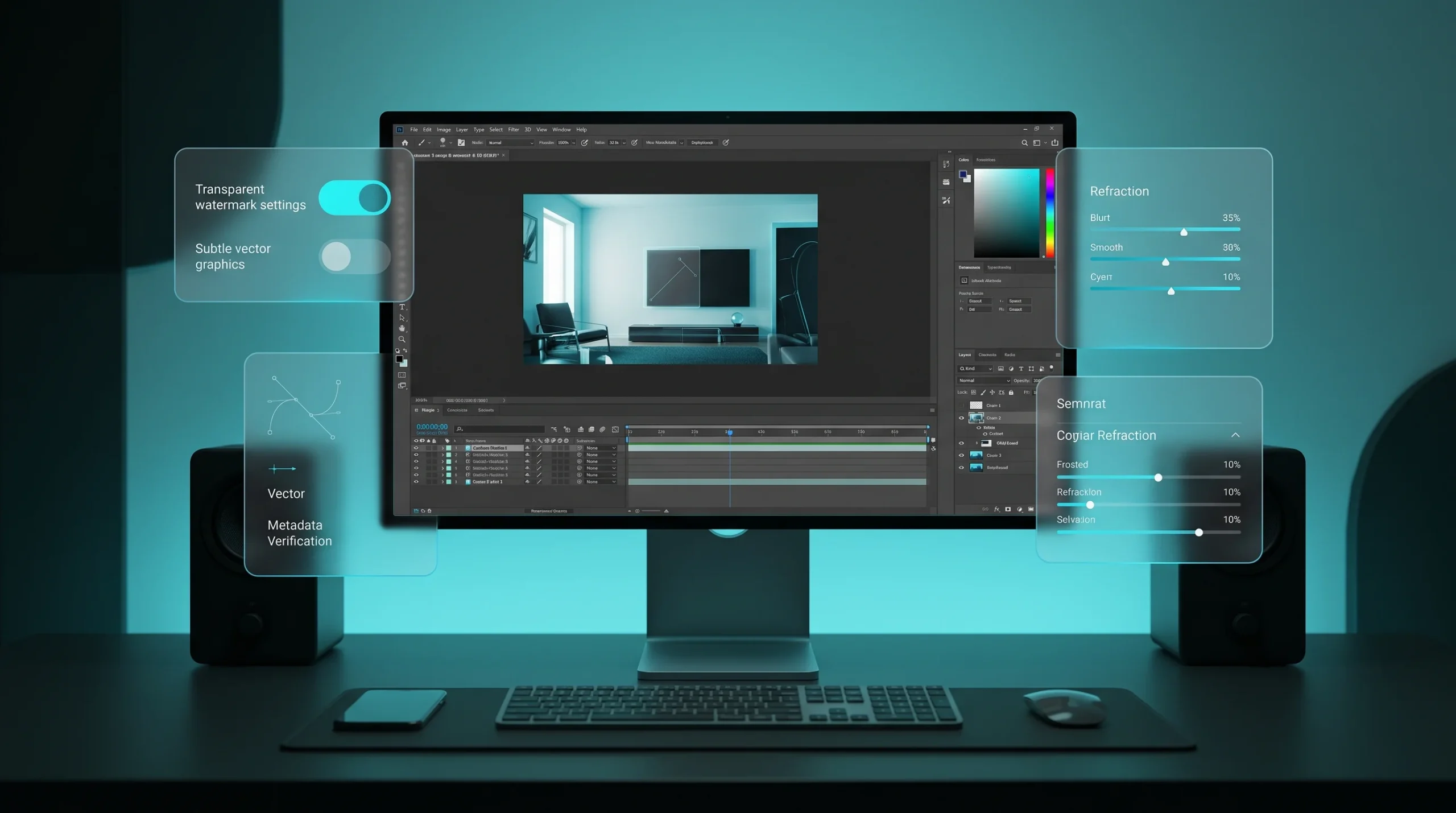
Google has officially updated its approach to labeling media files created with its generative AI tools. Users of Gemini, Google Workspace, and the Flow video generation environment can now disable visible watermarks. Previously, a semi-transparent sparkling icon or company emblem was automatically placed in the corner of every generated picture or video clip. This policy caused unnecessary friction for visual artists, designers, and multimedia creators who integrate generative models into fast-paced commercial production pipelines.
The transition toward optional visible badging is underpinned by a strategic pivot from surface-level watermarks to cryptographic provenance. Visible icons frequently clashed with brand assets, layout aesthetics, and video sequencing, forcing creators to perform manual removal or crop valuable compositional areas. Users can now obtain pristine source files straight from the generation console without redundant visual artifacts.
Multi-Layered Verification Architecture with SynthID and C2PA
Removing mandatory graphic badges does not compromise media provenance and safety standards. Google maintains rigorous verification capabilities through SynthID, an imperceptible watermarking technology engineered by Google DeepMind, alongside open standards established by the C2PA (Coalition for Content Provenance and Authenticity).
The SynthID framework embeds an immutable signature directly into the underlying pixel layout or frequency components. This pattern is undetectable to the human eye yet resilient against common alterations, including compression passes, spatial scaling, severe cropping, and complex color grading. Automated moderation platforms and verification tools can readily confirm the synthetic origin of an asset without relying on visible on-screen badges.
How to Turn Off Visible Watermarks in Settings
Disabling visible badges is straightforward and can be completed within account preference menus. The feature is currently rolling out to Gemini Advanced members, enterprise Google Workspace users, and registered Google Labs participants.
- Open account preferences in the respective web app or mobile client.
- Navigate to the generation settings and export preferences tab.
- Locate the toggle designated for visible watermark display and turn it off.
- Save the changes and test the output with your next generated asset.
For API integrations, developers can supply a dedicated boolean parameter within their request payload. SynthID verification markers will still be generated automatically within the response headers while keeping pixel grids unblemished by visible overlay shapes.
Practical Advantages for Commercial Media Pipelines
Until now, many creative agencies refrained from embedding Google’s generation tools directly into final delivery pipelines due to mandatory cleanup steps. Visible badges necessitated manual retouching or the use of competing inpainting software, which increased project costs and turnaround times.
Exporting clean source assets unlocks several key production use cases:
- Direct publishing of high-resolution digital ad campaigns and print mockups.
- Accelerated concept art workflows and storyboard creation for video projects.
- Scripted batch asset generation for digital publishing platforms.
- Immediate backdrop generation and texture mapping in 3D modeling packages.
Balancing Creative Freedom with Digital Integrity
Google’s decision to offer toggleable visible markers illustrates the growing maturity of automated digital forensics. Rather than relying on easily bypassed graphic overlays, the tech industry is embracing robust provenance protocols operating at the platform and distribution layer.
Major discovery surfaces such as Google Search, YouTube, and partner social ecosystems natively interpret C2PA manifests and execute SynthID verification algorithms. This guarantees responsible content disclosure where it matters most, while offering content professionals the clean output required for modern workflows.




0 Comments