
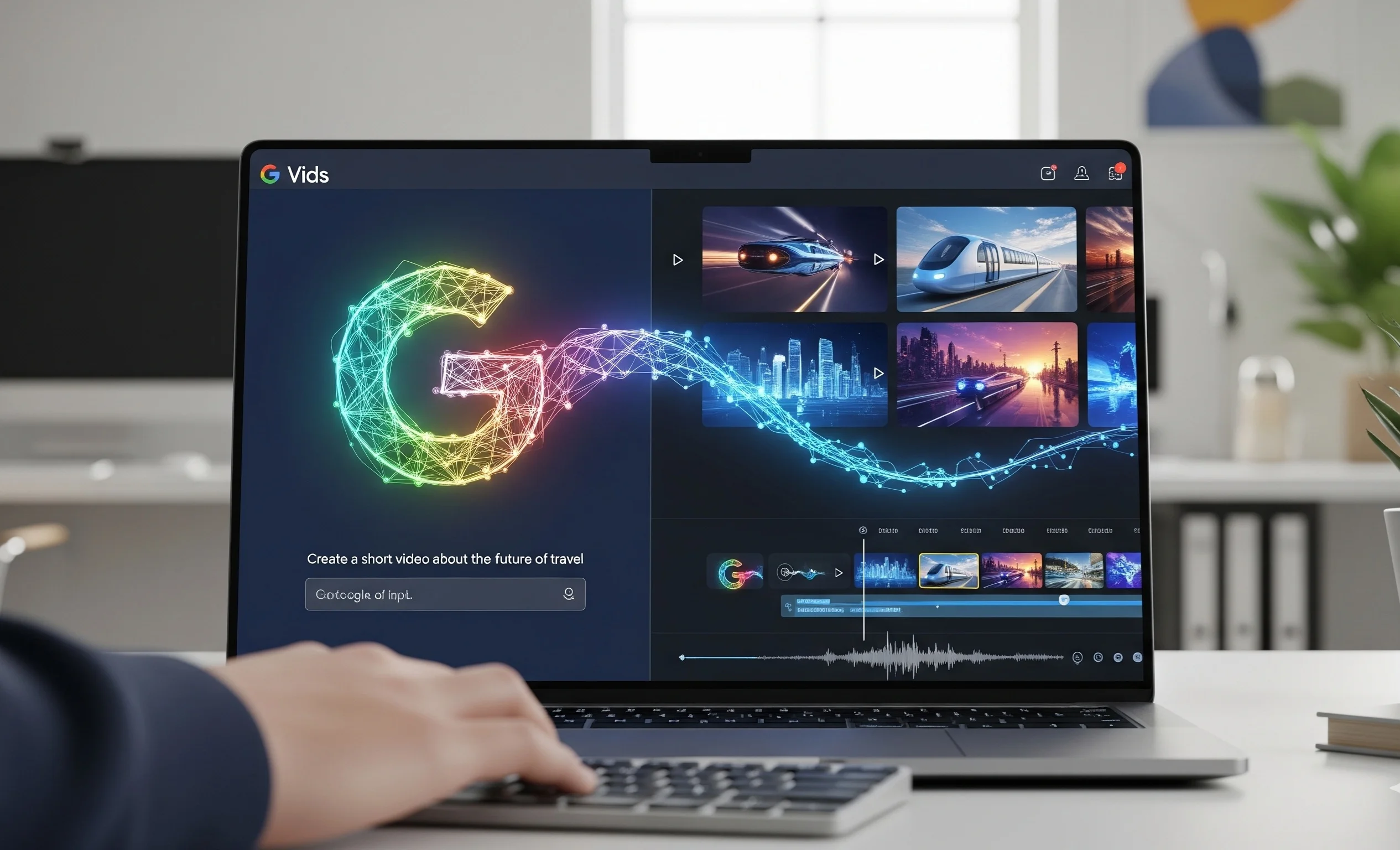
Creating video content previously required significant effort, time, and specialized skills. However, advances in artificial intelligence (AI) are revolutionizing this process. Google has taken a significant step forward by making its AI video editor, Vids, widely available. Integrated into Google Workspace, this tool aims to democratize video production, allowing users to create high-quality videos quickly and without professional experience. Powered by powerful algorithms, Google Vids takes the most complex editing steps off your hands, making it incredibly simple.
How does AI create videos in Vids?
The Vids video editor works very intuitively. It all starts with an idea, which the user formulates using a text query. Artificial intelligence analyzes this query and automatically begins generating elements for the future video. This includes creating a rough script, selecting visuals, choosing music, and even a voiceover.
AI can select relevant video clips and images from a large library of stock footage or even from the user’s files stored on Google Drive. This AI can understand the context and emotional tone of a query to select the most relevant content. For example, if the query mentions “success,” the AI can suggest images symbolizing goal achievement, while if “nature” is mentioned, it will select beautiful landscapes.
Key features that make video editing easier
Google Vids offers a range of features that make it more than just another editor, but a powerful tool for quick video creation. It guides users through every step of the process.
- Automatic script generation: Simply enter a few keywords, and AI will create a complete script. This saves time on writing and planning.
- Visual Selection: Once the script is ready, artificial intelligence automatically selects videos and images to match the text, ensuring a logical and visually appealing video sequence.
- Music: Vids also offers a selection of music that matches the mood of the video, making it more dynamic and complete.
- Simple interface: The interface of Vids video editor is very simple, which allows anyone, even without experience, to quickly learn how to use it.
Who is Vids video editor designed for?
While Google Video Editor is a tool for everyone, it is especially valuable for certain users.
- For business: Teams can quickly create short training videos, video reports, or presentations for internal or external use.
- Teachers and students can create video lessons, projects, and learning materials, making learning more interactive.
- For content creators Those who want to quickly experiment with ideas can use Vids to create drafts or short videos for social media.
Vids’ Availability and Place in the Video Editing World
At launch, Google Vids is available as part of the Google Workspace Business Standard and Business Plus packages. This makes it a tool aimed at enterprise customers already using the Google ecosystem. Unlike complex professional programs, Vids doesn’t attempt to replace Adobe Premiere Pro or Final Cut, but rather occupies the niche of a simple and fast tool. Its main advantage is its deep integration with other Google services, allowing seamless work with documents, presentations, and other files, creating videos without having to switch between different applications. This makes Google’s video editor very convenient for users already accustomed to this ecosystem.
In summary, the Vids video editor is a significant step into a future where artificial intelligence will play a key role in creative processes. Opening this tool to a wider audience makes video production accessible to millions of people who previously lacked the resources and skills. Google Vids is transforming content creation, transforming it from a labor-intensive process into a fast and creative experience.




0 Comments