
- GameHub: Is it an emulator or streaming? A breakdown of the technology
- Why did GameHub become the “official” site for Steam games?
- Technical requirements: What smartphone is needed for emulation?
- GameHub vs. Steam Link: What’s the Key Difference?
- Steam Link: Purely Streaming
- GameHub: Emulation and Streaming in One
- Competitive landscape: Winlator vs. GameHub and more
- The Future of Mobile Gaming: What’s Next?
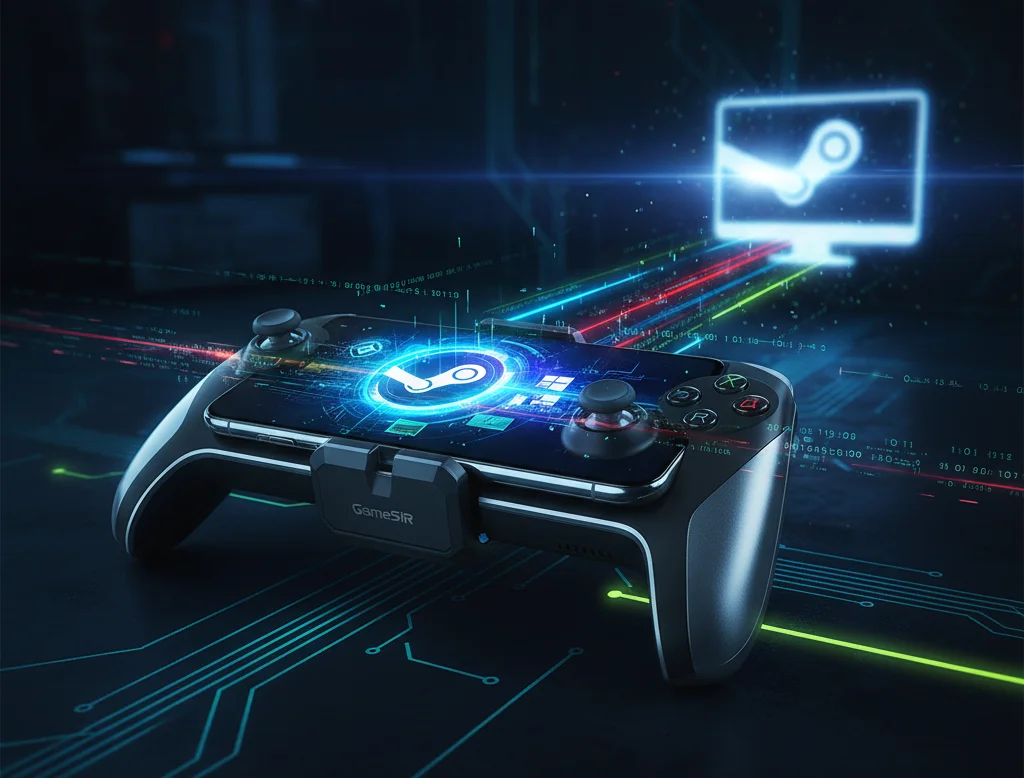
The world of mobile gaming has received a true gift: GameSir, known for its innovative controllers, has released the GameHub app on the Google Play Store. This tool breaks traditional boundaries, giving Android users the ability to not just moderate but also fully run PC games on Android. Now, Windows Android emulation is accessible and convenient, with integrated support for the vast Steam library. This solution transforms your smartphone or tablet into a portable gaming PC, a truly groundbreaking experience.
GameHub: Is it an emulator or streaming? A breakdown of the technology
The news that Steam games on Android became “official” thanks to GameHub raised many questions. In fact, GameHub is a multifunctional hub that combines several cutting-edge technologies. It’s not just classic emulation, but an entire ecosystem for players. It can connect to Xbox Cloud Gaming and launch local streaming (like Steam Link), but its key feature is emulating Windows games, including Steam titles. The app uses optimized emulation layers that allow ARM devices to run x86/x64 programs.
- Emulation (NATIVE PLAY): The ability to download Steam games to Android and run them without the need for a powerful home PC. This is true mobile emulation, opening the door to offline play (after downloading).
- Streaming (REMOTE PLAY): Support for local streaming from a desktop computer. If emulation can’t handle a demanding game, you can stream it via Steam Link, but within the GameHub interface.
This hybrid model positions GameHub as a universal solution for those looking for the most convenient way to play Steam games on their phone. GameSir’s developers have taken care to minimize the need for complex settings typically required for other emulation projects.
Why did GameHub become the “official” site for Steam games?
GameHub’s main advantage, which earned it its status as the “official” solution for PC games on Android, is its deep and seamless integration with Steam. Unlike third-party emulators that required manually dragging and dropping files or complex scripts, GameHub allows users to simply log in to their Steam account.
- Direct Download: Download Steam games for Android directly from Valve’s library to your mobile device.
- Progress Sync: Full Steam Cloud Saves support. You can start a game on PC, continue on your phone, and then return to your computer, all while preserving your progress.
- Control optimization: Built-in control profiles are adapted for mobile screens and, importantly, for GameSir physical controllers.
This functionality significantly simplifies the process. It removes the barriers that previously discouraged regular users from attempting to emulate Windows on Android. After all, playing Steam on your phone is now just a matter of clicking.
Technical requirements: What smartphone is needed for emulation?
Although GameHub simplifies the interface as much as possible, emulation itself remains a resource-intensive process. To fully run 3D games from your Steam library, your device must have significant computing power. Small indie games and older titles can run on most modern mid-range devices, but AAA titles require real horsepower.
- Processor: High-performance chipsets (e.g., Snapdragon 8xx series or equivalent) are recommended. A more powerful processor and GPU will improve frame rates and stability.
- RAM: Minimum 8GB, but 12GB or more will be a significant benefit for demanding Android PC games.
- Internal Storage: Since you can download Steam games directly to Android, you will need a large amount of fast memory to store large game files.
It’s important to remember the differences between versions. GameHub Google Play may have certain functionality limitations, such as only supporting Steam games. To emulate PC games not supported by Steam (DRM-free or other stores), users may need the full version available on the official GameSir website.
GameHub vs. Steam Link: What’s the Key Difference?
When it comes to GameHub Steam emulation, the question inevitably arises about Valve’s official app, Steam Link. While both apps allow you to play Steam games on Android, their operating principles are fundamentally different, which is crucial for users choosing how to play Steam on their phones.
Steam Link: Purely Streaming
Steam Link is a remote play tool. It requires the game to be running on a desktop PC or Mac, with only video and audio streamed to the mobile device. This requires a fast and stable local network (5GHz Wi-Fi or Ethernet). This is ideal for playing at home, but it doesn’t allow you to play Steam on your phone outside the home without additional, often complex, setup.
GameHub: Emulation and Streaming in One
GameHub adds a third, most important option: full Windows Android emulation. This means the game runs directly on the mobile device, rather than being streamed from somewhere else. This allows you to play your favorite games while away from your main computer, a huge advantage for mobility. This is precisely why GameHub Android has such high requirements.
Competitive landscape: Winlator vs. GameHub and more
In recent years, enthusiasts have actively developed other emulation projects, such as Winlator, Mobox, and Wine-based emulators. These solutions have proven that a Windows Android emulator is possible, but they often require extensive technical knowledge, manual installation of drivers, additional files, and complex configuration.
- Simplicity: GameHub stands out thanks to its user experience (UX). It is the first solution to offer a nearly out-of-the-box game launch experience, significantly lowering the entry barrier for the masses.
- Controller Integration: As a controller manufacturer, GameSir ensures seamless compatibility. GameHub has built-in presets for its accessories (such as the GameSir G8), ensuring perfect control. Even when using third-party controllers, the program offers flexible mapping options.
This ease of use and direct integration with Steam make GameHub a game changer in the “play PC games on Android” category.
The Future of Mobile Gaming: What’s Next?
The release of GameHub demonstrates that the boundaries between mobile and PC gaming are rapidly disappearing. Thanks to the development of powerful mobile processors, emulation is becoming increasingly viable. Such programs encourage smartphone manufacturers and chip makers to create more powerful and optimized solutions.
- Performance Improvements Further optimization of emulation layers is expected, which will allow the latest titles to run with better performance and lower system requirements for GameHub Android.
- Library expansion: Over time, it is possible that support for games from not only Steam, but also other popular digital stores will be expanded.
For gamers, this means true freedom: the ability to take their entire Steam library with them, no matter how large. This is a compelling argument for those considering a portable gamepad or gaming smartphone. GameHub transforms the “play anywhere” concept from a marketing slogan into a reality accessible to every Android user.


0 Comments