
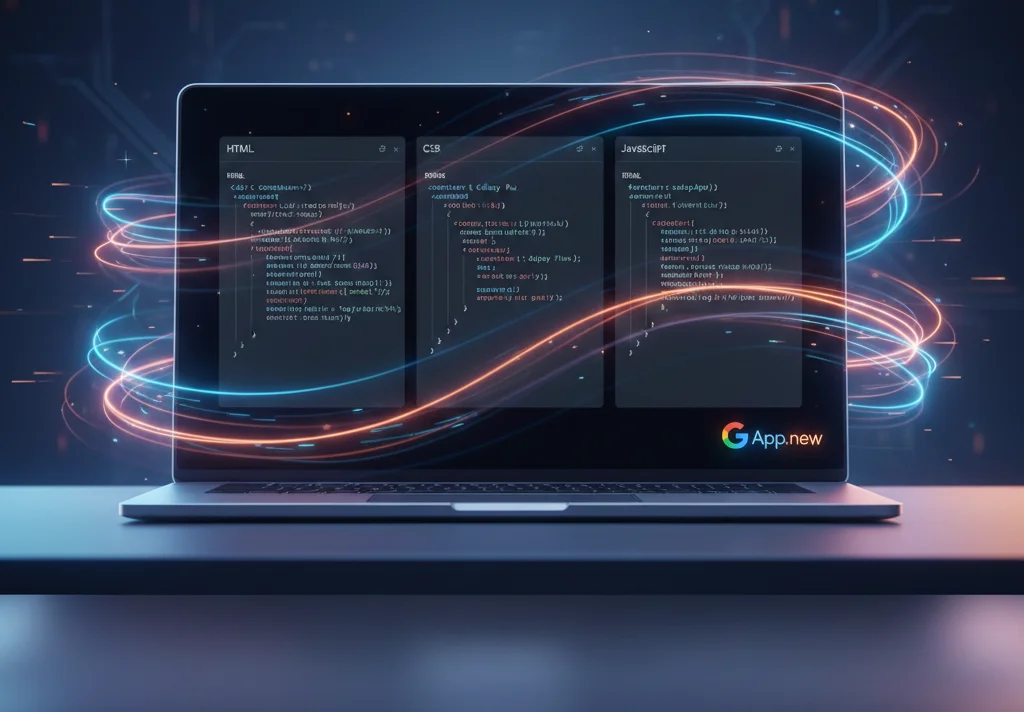
Google continues to make life easier for developers and beginners by introducing App.new, a free coding tool that instantly launches an online environment for rapid prototyping. This tool completely changes the way you work on mini-projects, incorporating a philosophy known as vibe coding. No more wasting time downloading, installing, and setting up a local environment-the entire development process begins in seconds, right in your browser.
What is Vibe Coding and how does App.new support it?
The term “vibe-coding” reflects an approach that emphasizes a seamless creative process and the immediate realization of ideas. App.new perfectly aligns with this concept thanks to its URL scheme: simply enter app.new into your browser and you’ll immediately get a ready-to-use sandbox of HTML, CSS, and JS code. This eliminates all the barriers typically encountered at the start: setting up compilers, dependencies, and local servers.
- Instant launch: A new project is ready to work in a split second.
- Zero Setup: No need to install any software or dependencies.
- Cross-browser compatibility: Works in any modern web browser.
Technical Architecture: The Foundation of Rapid Prototyping
As an online code editor, App.new provides developers with a clean and intuitive interface, typically divided into three main panels: HTML (structure), CSS (styles), and JavaScript (logic). This is a standard approach for rapid web app prototyping tools. The tool is designed for working with clean code, but has built-in support for popular preprocessors (Sass, Less) and core libraries, making it more powerful than it initially appears.
Opportunities for expansion and exchange
Each mini-app you create receives a unique URL, making sharing ideas and collaborating incredibly easy. You can send the link to a colleague or embed it in your teaching material for a quick demonstration. This feature makes App.new the perfect tool for educators who want to visually demonstrate to students how a specific code snippet works. For more complex tasks, Google ensures compatibility with modern ES6+ standards, allowing you to leverage the powerful capabilities of JavaScript.
App.new vs. Competitors: What’s Google’s Advantage?
The online development environment market is quite saturated, with strong players like CodePen, JSFiddle, Glitch, and Replit. However, Google’s App.new stands out thanks to several key aspects. First, its seamless integration with the Google ecosystem and its *.new domain philosophy, which focuses on instant creation. Second, its ease of use makes App.new ideal for beginners, without overwhelming them with the unnecessary features found in professional IDEs. While some competitors offer complex server-side solutions, App.new focuses exclusively on quick code testing on the frontend.
Practical Application: From Idea to Demonstration
Google’s vibe-coding tool has a wide range of applications. Professional developers can use it to reproduce bugs in isolation or quickly test API requests. Designers can quickly create animated interface elements to present to clients without lengthy deployments.
- Training: App.new is an excellent platform for practical exercises in web development.
- Demo: Create a browser mini-app to demonstrate the functionality.
- Validation: Quickly test your code to check syntax or logic.
This free coding tool is a significant step by Google to support the developer community by providing a high-quality, accessible, and fast service that meets modern needs. If you’re looking for a reliable alternative to CodePen or simply a quick way to turn your idea into working code, App.new is the best choice.



0 Comments