
- Used vs. Refurbished: What’s the Difference?
- What you should definitely check when buying a used laptop
- Checklist for offline and online purchases
- What to do after purchase
- Non-obvious tips to help you avoid problems
- Save money and stress: trust a proven approach
- Subscribe to our guides to always buy tech wisely!
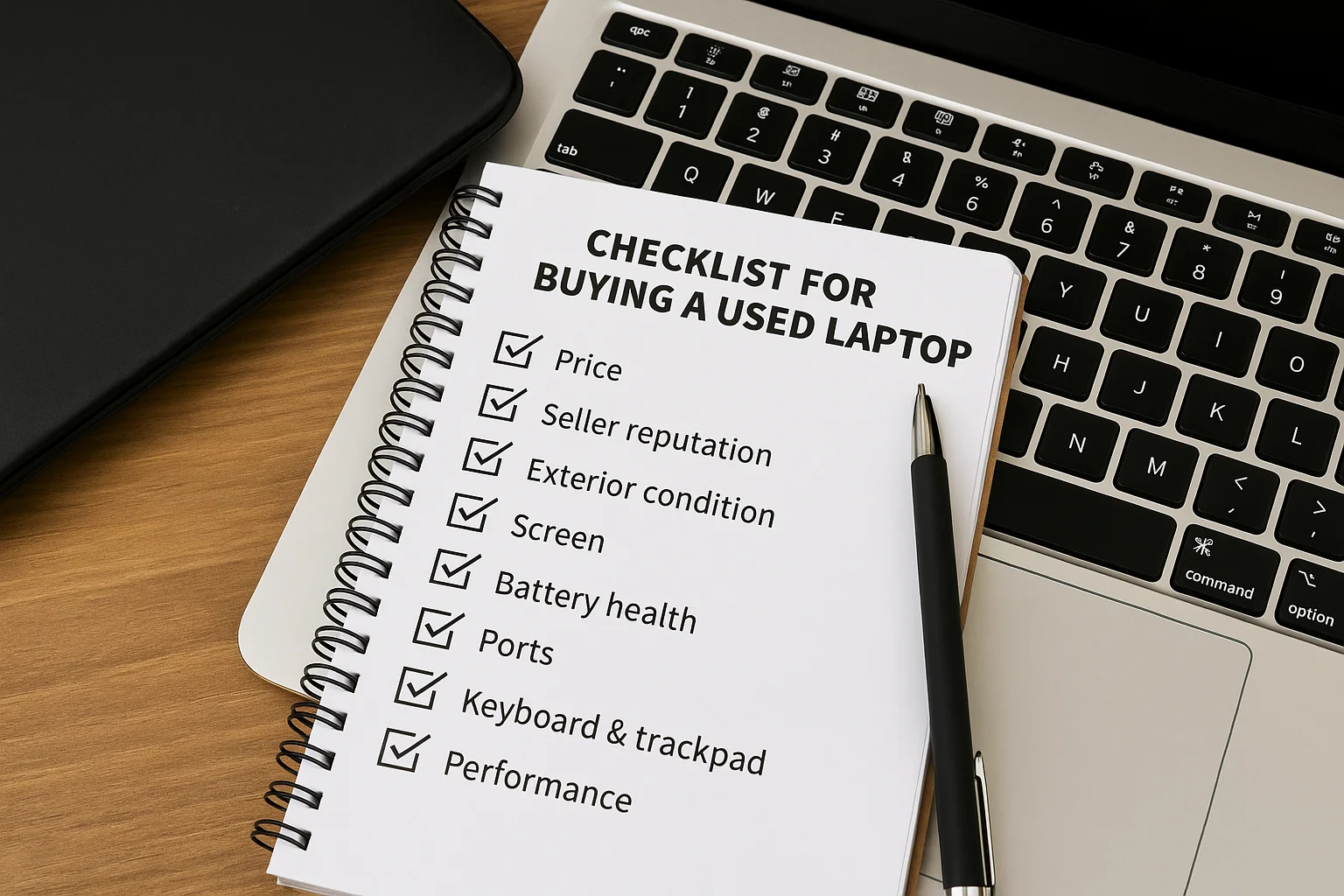
Buying a used laptop is a great way to save money, but it comes with risks. Lack of warranty, worn-out components, or even fraud can ruin a seemingly favorable deal. This checklist will help you check all the key aspects before buying a used laptop.
Used vs. Refurbished: What’s the Difference?
First of all, it’s important to distinguish between a used laptop and a refurbished one. Used devices are sold without any warranty, often without inspection or updates. Refurbished laptops, on the other hand, are diagnosed, cleaned, have damaged components replaced, and often come with a warranty from the seller. If you have a choice, it’s better to choose a refurbished device.
What you should definitely check when buying a used laptop
- Battery – Check your device’s health using Battery Report or other apps. If the battery wear is more than 20%, it requires replacement.
- Screen – check for dead pixels, dim areas, and flickering. Run tests on both white and black backgrounds.
- Ports and connectors – connect USB, headphones, charger, HDMI. All should work without interruption.
- Keyboard and touchpad – press each key. Pay particular attention to the Enter, spacebar, and function keys.
- Processor and RAM – check that they match the specifications using BIOS or programs like CPU-Z.
- Drive (SSD/HDD) – run SMART analysis. Avoid devices with read errors.
- Camera, microphone, and sound – check your experience in Zoom, Google Meets, or the built-in app.
- Wi-Fi and Bluetooth – Check your connection to networks and accessories.
Checklist for offline and online purchases
If you’re buying a used laptop in person, be sure to inspect all components yourself. If you’re buying online, choose sellers with high ratings, ask for real photos and video reviews, and check the return policy. Don’t be fooled by offers that seem too cheap-they’re often a sign of a scam.
What to do after purchase
After purchasing a used laptop, perform a full wipe and reinstall the operating system. This will help remove potential malware. You should also clean the cooling system of dust and update all drivers.
Non-obvious tips to help you avoid problems
- Avoid laptops with a BIOS password, which may indicate a stolen device.
- Ask for a receipt or serial number – this way you can check the history of the device.
- Check the age of your device-laptops older than 5 years often experience compatibility issues with new applications.
- Choose upgradeable devices (RAM, disk) – this will extend the life of your laptop.
Save money and stress: trust a proven approach
Buying a used laptop isn’t a risk if you approach it wisely. Follow the checklist, take your time, and check every detail-and you’ll get a quality device at a great price.



0 Comments